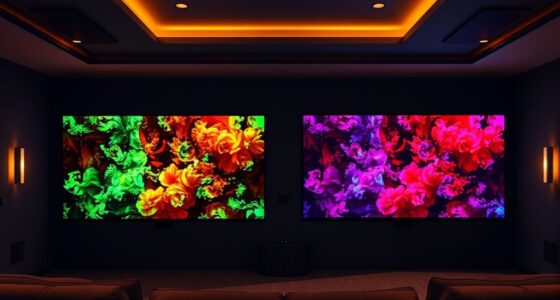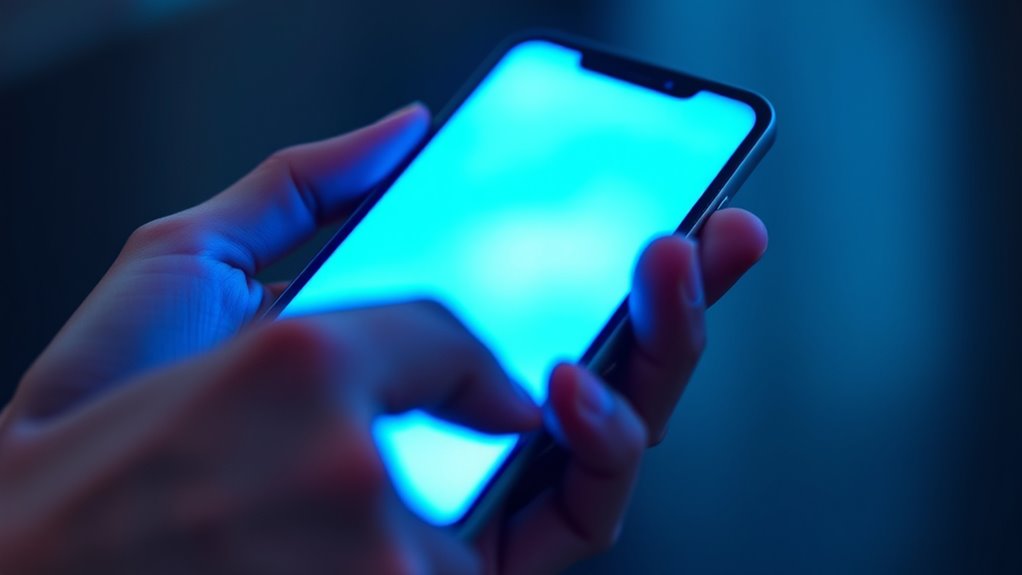

Screens influence how you perceive color and brightness by controlling the emission of red, green, and blue light through tiny pixels. These colors combine to produce the vivid, warm, or cool images you see. Adjusting blue light levels affects brightness and contrast, often using filters or calibration techniques to guarantee accurate colors. Understanding how screens manipulate light can help you optimize your display for better clarity and comfort as you explore further.
Key Takeaways
- Blue light emission increases perceived brightness and contrast, influencing how vivid colors appear on screens.
- Calibration adjusts screen settings to maintain consistent color accuracy despite variations in brightness.
- Higher brightness levels can make colors seem more saturated, but excessive blue light can distort true color perception.
- Blue light filters warm up screen tones, reducing perceived brightness and altering color vibrancy.
- Proper calibration ensures that brightness enhances color fidelity, minimizing eye strain and maintaining visual consistency.
Have you ever wondered why colors look different on various screens? The answer lies in the complex interplay of how screens emit light and how your eyes perceive it. When you look at a device, the colors you see are primarily created through blue light emission. Different screens use tiny pixels that emit specific amounts of red, green, and blue light to produce a full spectrum of colors. However, not all screens are calibrated equally, which is why a vibrant red on one device might appear dull or oversaturated on another. To combat this, color calibration techniques are used to adjust screens so that colors are consistent across devices. These calibration processes involve tweaking brightness, contrast, and color balance to match a standard, guaranteeing that what you see aligns with the intended appearance. Without proper calibration, colors can shift, leading to misinterpretations of images, videos, or even text. Additionally, understanding the role of blue light emission in perceived color helps users optimize their viewing experience and reduce eye strain. Blue light emission plays an essential role in how vivid and bright a screen appears. Blue light, with its short wavelength, contributes considerably to the perceived brightness and contrast. However, excessive blue light can distort color accuracy and cause eye strain, especially during prolonged use. Manufacturers often implement different levels of blue light emission, and some screens have blue light filters or night modes to reduce strain and improve color fidelity in low-light conditions. These adjustments impact the overall perceived color, making it appear warmer or cooler depending on the settings. Understanding how blue light emission influences what you see helps you choose the right device and adjust your settings for peak viewing. Color calibration techniques are indispensable because they ensure that the colors displayed are as true to reality as possible. Professionals, such as photographers and graphic designers, rely heavily on precise calibration to maintain color consistency across multiple screens and print media. Regular calibration involves using specialized tools like colorimeters or spectrophotometers that measure the output of your screen and adjust its settings accordingly. For everyday use, many devices come with built-in calibration options or automatic adjustments based on ambient lighting conditions. By understanding and applying these techniques, you can guarantee that the colors you see are not just a product of your device’s settings but an accurate representation of the original image or content. Ultimately, awareness of blue light emission and proper calibration helps you enjoy a more accurate and comfortable visual experience across all your screens.
![[2-Pack] 24 Inch Computer Blue Light Blocking Screen Protector for 16:9 Widescreen Monitor, Anti Glare Anti-UV Eye Protection Desktop PC LED Monitor Filter, Removable Anti-Scratch Screen Film 24in](https://m.media-amazon.com/images/I/41-z-rOYYLL._SL500_.jpg)
[2-Pack] 24 Inch Computer Blue Light Blocking Screen Protector for 16:9 Widescreen Monitor, Anti Glare Anti-UV Eye Protection Desktop PC LED Monitor Filter, Removable Anti-Scratch Screen Film 24in
【24 BLUE LIGHT FILTER DIMENSIONS】 Width: 20 15/16" (20.9 inches/532 mm), Height: 11 13/16" (11.8 inches/300 mm), Diagonal:…
As an affiliate, we earn on qualifying purchases.
As an affiliate, we earn on qualifying purchases.
Frequently Asked Questions
How Does Ambient Lighting Influence Screen Brightness Perception?
Ambient lighting considerably influences how you perceive screen brightness. When the room has a high color temperature or bright ambient contrast, your eyes adjust, making screens seem dimmer or brighter depending on the surroundings. In low light, screens appear more vivid, while in bright environments, you might increase brightness settings. To optimize viewing, match your screen’s brightness with ambient lighting, and consider using a warmer color temperature to reduce eye strain.
Can Screen Calibration Improve Perceived Color Accuracy?
Think of screen calibration as tuning a musical instrument; it can dramatically improve perceived color accuracy. By adjusting settings for color calibration and ensuring display uniformity, you make your screen’s colors more true to life. Proper calibration reduces color shifts and inconsistencies, so images look consistent across the display. This process sharpens the visual experience, helping you see the intended colors exactly as they were designed, much like a perfectly tuned instrument.
Do Different Screen Technologies Affect Brightness Perception?
Yes, different screen technologies impact brightness perception. You’ll notice polarization effects in LCDs, which can alter how bright images appear depending on your viewing angle. Additionally, higher display refresh rates can make motion seem smoother, affecting how you perceive brightness during fast scenes. These factors combined mean that your perception of brightness varies across screens, influencing your overall viewing experience and how vivid images seem.
How Does Eye Fatigue Alter Color Perception Over Time?
Eye fatigue can cause your pupils to dilate, making your eyes more sensitive to color changes. Over time, this leads to color adaptation, where your perception of hues shifts, often making colors appear duller or more muted. As your eyes tire, you might notice less vibrant colors and difficulty distinguishing subtle shades, especially on screens. Resting your eyes helps restore normal pupil size and color perception, easing fatigue’s effects.
Are There Standards for Measuring Perceived Brightness on Screens?
Sure, there are standards for measuring perceived brightness on screens, and you might think they’re as straightforward as calibrating your TV. In reality, color calibration and measurement standards like ISO and ANSI help guarantee consistency across devices. These standards account for how we perceive brightness and color, making sure what you see on one screen matches another. So, yes, experts have set guidelines, even if it sometimes feels like an elusive art.

datacolor Spyder – Monitor Calibrator for Graphic Designers, Photographers, and Content Creators, Shows You True Colors, Works on OLED Monitors & LED Screens, Easy-to-Use Color Calibration Tool
Color “Surprises” Are a Thing of the Past: Datacolor’s exclusive DevicePreview TM Beta feature simulates what your photos…
As an affiliate, we earn on qualifying purchases.
As an affiliate, we earn on qualifying purchases.
Conclusion
Just like Narcissus gazed into his reflection, you’re captivated by the glow of screens. Remember, the brightness and color you see are influenced by unseen forces—your device’s light, your environment, and your eyes’ own perceptions. By understanding these hidden factors, you can better navigate the digital world without losing sight of true color. So, next time you stare into the glow, consider the science behind what your eyes are truly seeing.
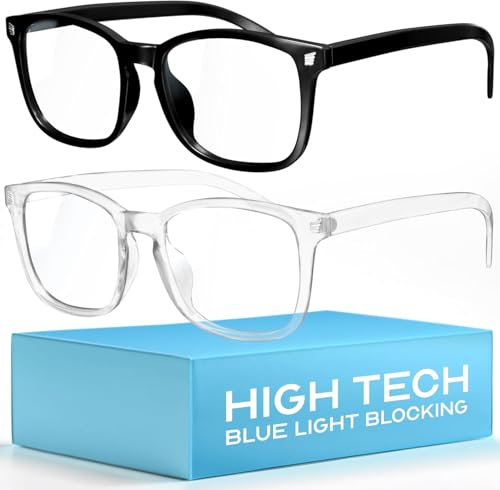
livho High Tech Blue Light Glasses – Advanced Blue Light Blocking Computer Glasses – Screen Fatigue & UV Protection
Elevate your screen time comfort with these stylish women's/men's eyewear frame blue light blocking glasses, designed to reduce…
As an affiliate, we earn on qualifying purchases.
As an affiliate, we earn on qualifying purchases.
datacolor Spyder – Monitor Calibrator for Graphic Designers, Photographers, and Content Creators, Shows You True Colors, Works on OLED Monitors & LED Screens, Easy-to-Use Color Calibration Tool
Color “Surprises” Are a Thing of the Past: Datacolor’s exclusive DevicePreview TM Beta feature simulates what your photos…
As an affiliate, we earn on qualifying purchases.
As an affiliate, we earn on qualifying purchases.