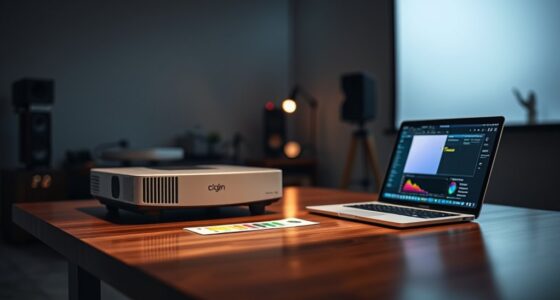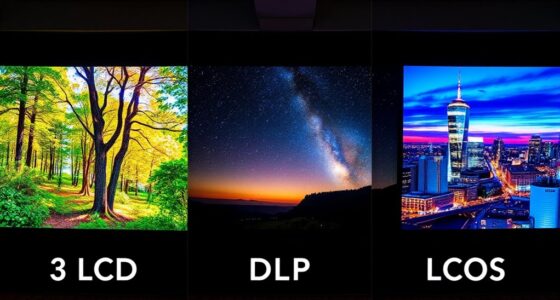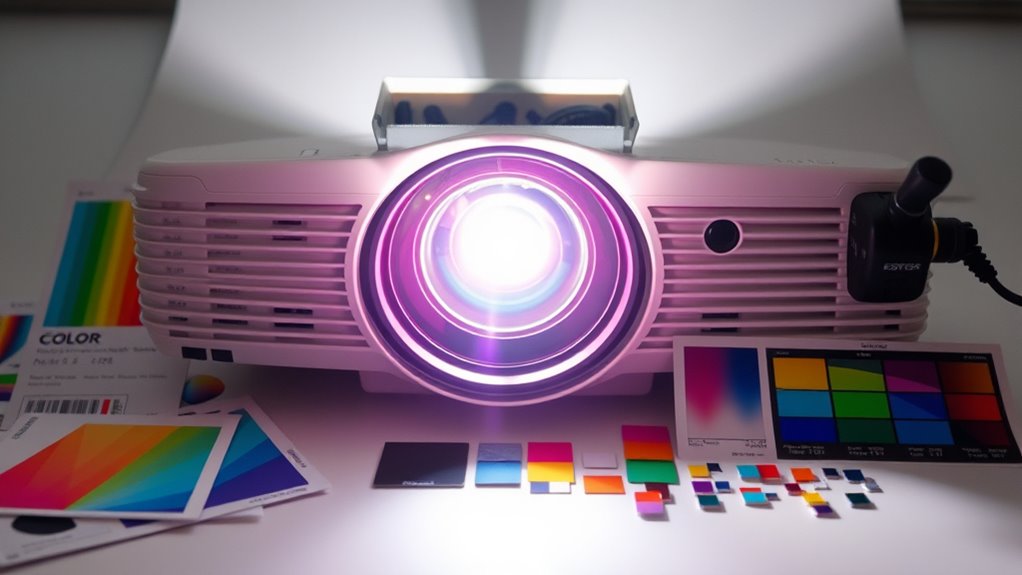

To get vibrant, true-to-life images from your projector, start by properly adjusting the white balance to eliminate any color cast. Use calibration tools or built-in settings to fine-tune primary and secondary colors, ensuring whites appear truly white. Remember, lamps age and environment affects results, so regular calibration is key. By mastering these steps, you’ll avoid guesswork and achieve consistent, stunning visuals. Keep going, and you’ll discover more tips to perfect your projector’s color accuracy.
Key Takeaways
- Regularly calibrate your projector’s white balance and color settings to prevent color drift and maintain vibrant images.
- Use calibration tools or discs to accurately measure and adjust colors for true-to-life visuals.
- Account for ambient lighting and lamp age, making adjustments as needed for consistent color accuracy.
- Focus on fine-tuning primary and secondary colors to match professional standards and achieve natural tones.
- Treat calibration as an ongoing process, performing periodic checks for optimal, vibrant projection quality.

Accurate color calibration is essential to guarantee your projector displays images and videos as intended. When your projector’s colors aren’t properly calibrated, you risk dull, washed-out images or overly saturated hues that don’t reflect the original scene. To achieve vibrant, true-to-life visuals, you need to understand the importance of white balance and color accuracy. White balance controls the overall color temperature of your projection, ensuring whites appear truly white without an unwanted color cast—be it too warm or cool. If your whites look yellowish or bluish, your projector’s white balance is off, which affects the entire color spectrum and diminishes overall image quality. Correcting white balance ensures that colors are rendered accurately, making your images more natural and realistic.
Proper white balance is key to vibrant, accurate projector images and true-to-life color reproduction.
Achieving proper color accuracy starts with adjusting your projector’s settings or using calibration tools. Many projectors offer built-in menus to tweak white balance, allowing you to shift the color temperature until whites look neutral. This step is critical because if the white balance isn’t set correctly, all other colors will appear skewed. For example, a misadjusted white balance can make skin tones look unnatural or cause scenery colors to seem off. You can also use calibration discs or software to measure the color output, providing precise feedback on how close your projector’s display is to the intended color profile. These tools help you identify whether the colors are too saturated, too dull, or if specific hues are misrepresented.
In addition to white balance adjustments, you should focus on calibrating the projector’s color settings directly. Many projectors include options for fine-tuning primary and secondary colors—red, green, blue, cyan, magenta, and yellow—so you can match the output to professional standards or your personal preferences. Proper calibration guarantees that the projector reproduces colors accurately across different image types, whether it’s a vibrant movie scene or a subtle photograph. Keep in mind that ambient lighting conditions influence how your calibration appears, so make adjustments in the environment you’ll be using the projector most often. Regular calibration is important because projector lamps age, which can alter color output over time.
Regularly calibrating your projector isn’t just a one-time task. Over time, lamps age, and internal components shift slightly, affecting color accuracy. By periodically reviewing and adjusting your settings, you maintain vibrant, true-to-life images. Remember, the goal of projector color calibration is to eliminate guesswork, giving you confidence that what you see on the screen reflects the creator’s original intent. Whether for home theater, presentations, or professional use, paying attention to white balance and color accuracy guarantees your projector’s visuals remain sharp, vibrant, and true.

Datacolor SpyderExpress
QUICK & EASY COLOR CALIBRATOR: Whether you're editing photos, designing graphics, or producing content, SpyderExpress helps you view…
As an affiliate, we earn on qualifying purchases.
As an affiliate, we earn on qualifying purchases.
Frequently Asked Questions
How Often Should I Recalibrate My Projector’s Colors?
You should recalibrate your projector’s colors every 3 to 6 months to maintain color consistency. Regular calibration helps ensure vibrant, accurate images and prevents color drift over time. If you notice dull or mismatched colors, it’s a sign to recalibrate sooner. Factors like usage frequency, environment, and projector type influence calibration frequency. Consistent calibration keeps your images bright and true to life, enhancing your viewing experience.
Can Ambient Lighting Affect Color Calibration Accuracy?
Yes, ambient lighting can considerably impact your color calibration accuracy. Even small changes in ambient light alter your color perception, making calibrated colors appear off. Bright or uneven lighting can wash out vibrant hues or cause color shifts, so it’s essential to calibrate your projector in controlled lighting conditions. By minimizing ambient light, you guarantee your calibration remains precise, resulting in consistently vibrant and true-to-life images.
What Tools Are Best for Professional Projector Calibration?
You should use a high-quality colorimeter comparison like the X-Rite i1Display Pro or Datacolor SpyderX Elite for professional projector calibration. Pair it with reliable calibration software options such as CalMAN, LightSpace, or Calibrator, which offer precise control and detailed adjustments. These tools help you achieve accurate, vibrant images by ensuring your projector’s colors are correctly calibrated, making your setup suitable for professional or high-end home theater environments.
How Do Different Projector Models Impact Calibration Settings?
Different projector models notably impact calibration settings due to variations in model compatibility and calibration complexity. You’ll find that some models, especially high-end or professional ones, offer more extensive adjustments, making calibration easier and more precise. Conversely, basic or older models may have limited options, increasing calibration difficulty. Always consider your projector’s specific features and compatibility to achieve ideal, vibrant images without unnecessary frustration.
Is Calibration Necessary for 4K or HDR Projectors?
Yes, calibration is essential for 4K or HDR projectors to guarantee ideal projection uniformity and accurate color temperature. Even with advanced technology, these projectors can display uneven brightness or color inconsistencies. By calibrating, you fine-tune settings to achieve vibrant, true-to-life images, preventing dull or washed-out visuals. Regular calibration maintains picture quality, especially for high-resolution content, so your viewing experience remains crisp, colorful, and immersive.
projector white balance calibration disc
As an affiliate, we earn on qualifying purchases.
As an affiliate, we earn on qualifying purchases.
Conclusion
Now that you know the basics of projector color calibration, you’ll see your images come to life with vibrant, accurate colors. Did you know that proper calibration can improve image quality by up to 30%? Don’t rely on guesswork—take the time to calibrate your projector regularly. With just a little effort, you’ll enjoy stunning visuals that truly stand out. Get started today and transform your viewing experience into something spectacular!
projector color calibration software
As an affiliate, we earn on qualifying purchases.
As an affiliate, we earn on qualifying purchases.
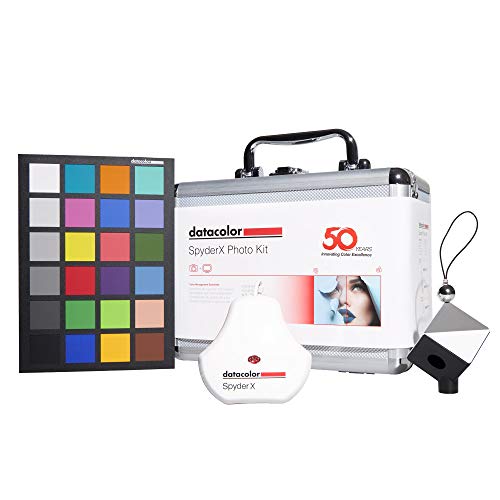
Datacolor SpyderX Photo Kit: Compact Tool Set for Precise Color Management – SXPK050
Portable, cost-effective, photography tool kit that ensures color accuracy, sharp detail and depth in your photos
As an affiliate, we earn on qualifying purchases.
As an affiliate, we earn on qualifying purchases.