
The no-nonsense guide to ISF calibration shows you how to optimize your projector’s picture quality by fine-tuning colors, contrast, and brightness for more vibrant, true-to-life images. It involves adjusting settings to match your room’s lighting and using specialized tools or professional help to guarantee the best results. Proper calibration transforms your projector’s performance from factory defaults into a cinematic experience. Keep going to discover simple steps to achieve professional-grade picture quality.
Key Takeaways
- ISF calibration fine-tunes projector settings for accurate colors, contrast, and image quality, transforming factory presets into professional-level performance.
- Proper calibration accounts for ambient light, ensuring vibrant, sharp images even in typical room lighting conditions.
- It involves adjusting color temperature, gamma, and white balance using specialized tools for precise and natural color reproduction.
- Professional ISF calibration offers superior accuracy and consistency compared to DIY methods, optimizing your projector’s performance.
- Regular calibration enhances cinematic experience by delivering true-to-life images with balanced brightness, contrast, and color fidelity.
When you want your projector to deliver the best possible picture quality, ISF calibration is essential. This process fine-tunes your projector’s settings to guarantee ideal performance, especially in regards to color accuracy and contrast. One of the main benefits of calibration is that it helps your projector display true-to-life colors, making movies, sports, and games look more vibrant and realistic. Without calibration, your images can appear washed out, overly saturated, or dull, depending on the default settings and the environment’s lighting conditions.
ISF calibration ensures vibrant, true-to-life colors and optimal contrast for the best viewing experience.
Ambient light plays a significant role in how your projector’s picture appears. If your room has a lot of ambient light, it can wash out the image, reducing contrast and making details harder to distinguish. During calibration, you’ll want to take into account the typical lighting conditions of your space. ISF professionals take measurements in the actual viewing environment, adjusting the projector’s brightness, contrast, and color settings to maximize visibility and color fidelity even when ambient light is present. This process guarantees that your picture remains sharp, colorful, and well-balanced, regardless of the lighting situation.
Another vital aspect of ISF calibration is setting the correct color temperature, which influences color accuracy. When properly calibrated, your projector produces colors that match industry standards, so skin tones look natural, and objects appear as they should. This precision is especially important if you’re watching content that relies heavily on color fidelity, like nature documentaries or high-end movies. The calibration also involves adjusting gamma and white balance, which further refines the overall image quality, ensuring deep blacks and bright highlights without losing detail.
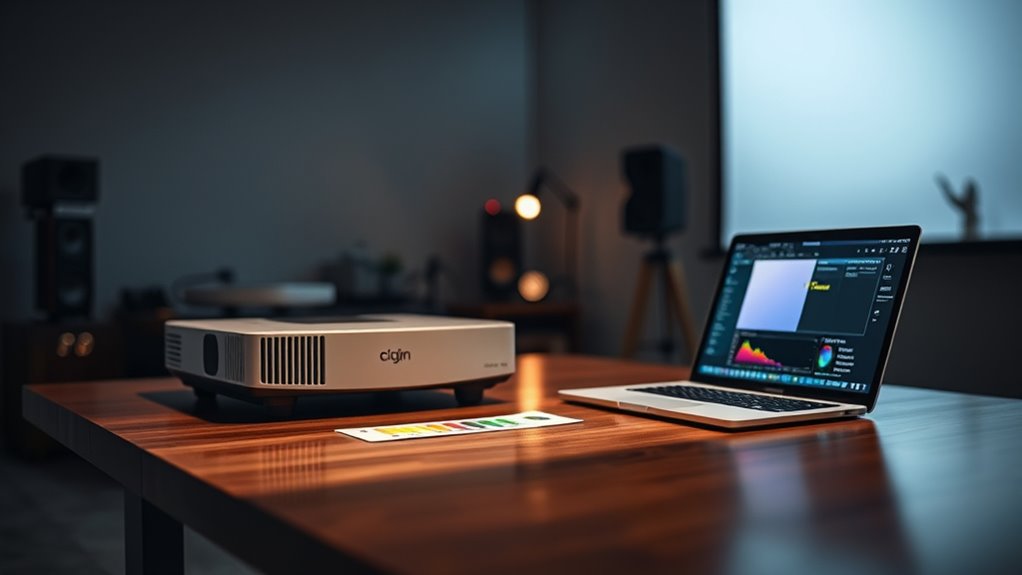
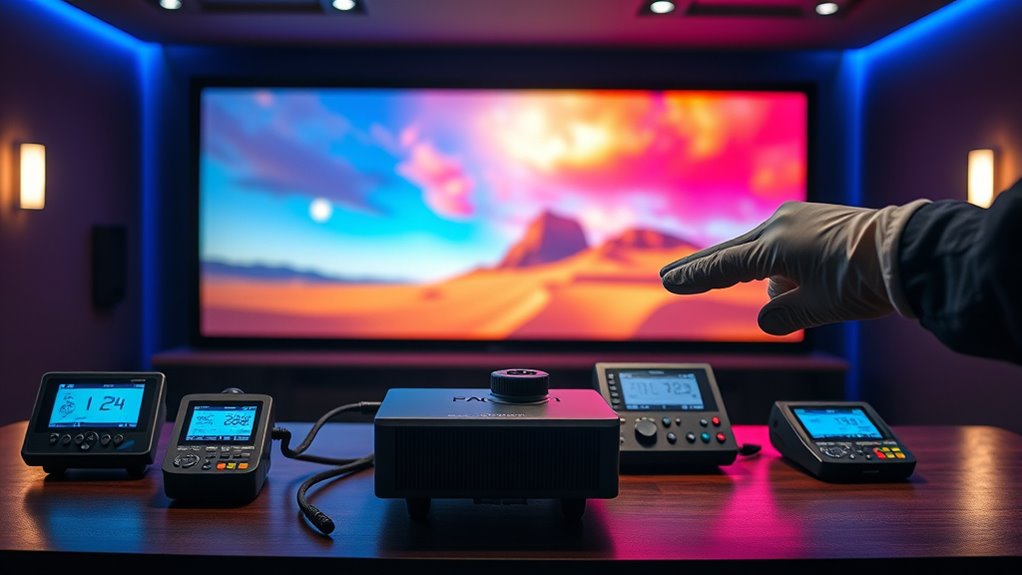
During the calibration process, you’ll notice that the technician uses specialized tools to measure and adjust the projector’s output. These tools help identify deviations from ideal settings and guide precise modifications. While some advanced enthusiasts may attempt DIY calibration, professional ISF calibration guarantees that your projector is tuned to the highest standards, providing a noticeable improvement over factory presets. It’s a worthwhile investment if you want your projector to perform at its best, especially in a dedicated home theater room where lighting conditions can be controlled.
Ultimately, ISF calibration elevates your viewing experience by making sure that every image is rendered with accurate colors, proper contrast, and clarity, even amid ambient light. It transforms your projector from a device with decent picture quality into a true cinematic experience. When done correctly, it’s the key to enjoying movies and shows as their creators intended, with perfect color fidelity and maximum visibility in your specific environment. Additionally, professional calibration often includes color management, ensuring the most precise color reproduction possible.

DSLRKIT Lens Focus Calibration Tool Alignment Ruler Folding Card(Pack of 2)
This compact ruler allows you to determine if your lens is auto-focusing accurately as it should. It is…
As an affiliate, we earn on qualifying purchases.
As an affiliate, we earn on qualifying purchases.
Frequently Asked Questions
How Often Should I Recalibrate My Projector?
You should recalibrate your projector every 6 to 12 months to maintain ideal calibration frequency and content accuracy. Regular recalibration ensures your images stay vibrant and true to the original source, especially if you notice color shifts or dimming. If you use your projector frequently or in changing environments, consider recalibrating more often. Staying consistent with calibration helps preserve image quality and content accuracy over time.
Can I Calibrate My Projector Myself Without Professional Help?
Ever wonder if you can handle DIY calibration yourself? Absolutely, you can! With some patience and the right tools, you can improve your projector’s image without professional assistance. Just follow proper calibration steps, use test patterns, and adjust brightness, contrast, and color settings carefully. However, if you’re aiming for perfection or face complex issues, seeking professional assistance can ensure ideal results and save you time in the long run.
What Tools Are Essential for ISF Calibration?
To achieve accurate color and gray scale calibration, you’ll need essential tools like a colorimeter or spectrophotometer. These devices measure color accuracy and guarantee your projector displays true-to-life images. Use a calibration disc or software to fine-tune your settings. With these tools, you can confidently adjust your projector for peak performance, improving both color accuracy and gray scale, making your viewing experience much more vibrant and true to source.
Does ISF Calibration Improve All Types of Content Equally?
Think of ISF calibration like tuning a musical instrument—you’ll notice differences across content types. It enhances color accuracy and contrast, but not all content benefits equally. For example, movies with rich visuals show a dramatic improvement, while simple presentations might see minimal change. Overall, calibration optimizes visual quality, but the extent depends on the content’s original quality and complexity.
Are There Differences in Calibration Needs Between LCD and DLP Projectors?
Yes, LCD and DLP projectors have different calibration needs. You’ll want to focus on color accuracy for LCDs, ensuring vibrant and true-to-life colors, while for DLPs, contrast optimization is key to achieving deep blacks and bright highlights. Adjusting these settings helps you get the most out of each projector type, enhancing picture quality for your specific content and viewing environment.
ISF calibration professional service
As an affiliate, we earn on qualifying purchases.
As an affiliate, we earn on qualifying purchases.
Conclusion
Now that you know the basics of ISF calibration, you’re ready to optimize your projector’s performance. Imagine hosting movie nights where colors are vivid, blacks are deep, and images are perfectly balanced—transforming your space into a true home theater. For example, a gamer recently calibrated their setup, reducing eye strain and enhancing gameplay clarity. With these straightforward steps, you’ll enjoy a professional-level display that elevates your viewing experience every time.

Calibrite Display 123 Monitor Calibration Colorimeter for Photo Editing and Color Accurate Viewing, Easy 1 2 3 Software Workflow, USB C Connection, and Before and After Check, Supports 2 Displays
SPECIFICATIONS: Monitor calibration colorimeter with Easy 1 2 3 software workflow, USB C connection, compact body approx. 34mm…
As an affiliate, we earn on qualifying purchases.
As an affiliate, we earn on qualifying purchases.

Portable Outdoor Theater Kit:Valerion 200" Outdoor Projector Screen +StreamMaster Plus2 Triple Laser Projector 4K+DLP Link 3D Glasses+Walnut Tripod Stand
Speed and Power Like Never Before – Experience unmatched speed with the AI-9618 chipset, 4GB RAM/ 128GB ROM—delivering…
As an affiliate, we earn on qualifying purchases.
As an affiliate, we earn on qualifying purchases.