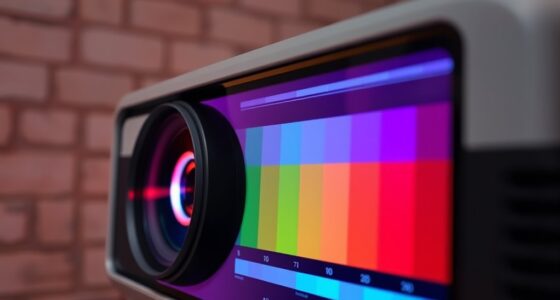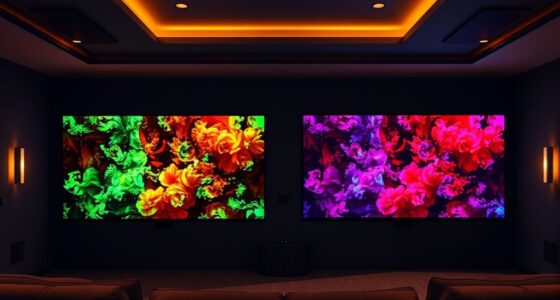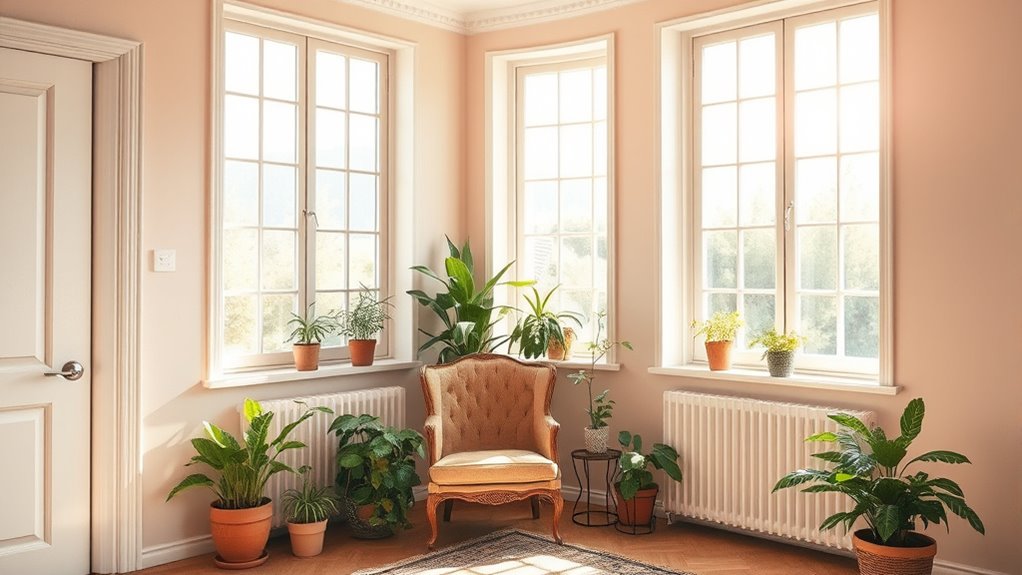

To fix washed-out colors in bright rooms, start by adjusting your display’s brightness and contrast to reduce glare and enhance color depth. Use calibration tools or software to fine-tune your colors, making them more accurate and vibrant. Consider physical changes like adding curtains or anti-glare screens to control ambient light. Keep your graphics drivers updated for better color management. If you want detailed steps, there’s more to explore on improving your screen’s appearance in bright conditions.
Key Takeaways
- Adjust your display’s brightness and contrast settings to reduce glare and enhance color vibrancy.
- Use curtains or blinds to limit direct sunlight and ambient light that cause washed-out colors.
- Enable color calibration tools or software to optimize color accuracy and balance.
- Apply anti-glare screen protectors and reposition monitors away from bright light sources.
- Keep graphics drivers and display firmware updated for consistent color performance.
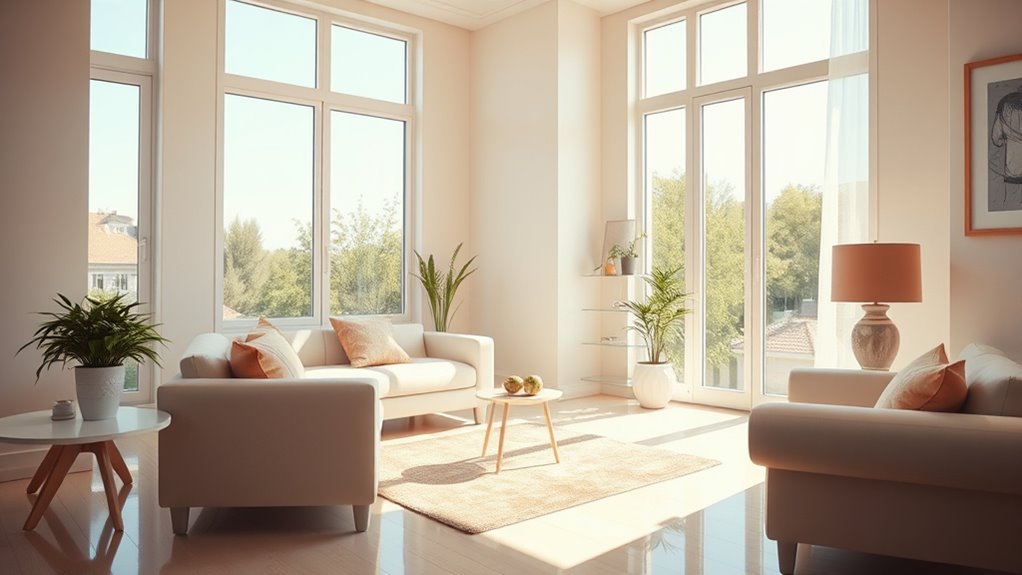
Bright rooms can make colors appear washed out, but with the right adjustments, you can restore their vibrancy. The key lies in understanding how to optimize your display settings and perform effective color calibration. When sunlight or ambient lighting is intense, it can wash out the colors on your screen, making everything look dull and less appealing. To combat this, start by adjusting your display settings—brightness, contrast, and color temperature—to better suit the lighting conditions in your room. Lowering the brightness slightly can prevent glare, while increasing contrast can help make colors pop without overwhelming your eyes. Adjust the color temperature to a warmer setting if the screen appears too cool or bluish, which often diminishes color richness.
Beyond basic adjustments, proper color calibration is essential for restoring true-to-life colors. Many monitors and TVs come with built-in calibration tools or software, which can guide you through fine-tuning color accuracy. Use these tools or calibration hardware if you have it, ensuring your display reproduces colors accurately. Proper calibration aligns the colors displayed with industry standards, so reds, greens, and blues appear as intended. This process can seem technical, but many devices have user-friendly options to guide you step by step. Consistent messaging about your display settings and calibration helps maintain optimal color vibrancy over time.
In addition to software adjustments, consider the physical environment. Bright sunlight can wash out screens regardless of settings, so controlling ambient light is vital. Use curtains or blinds to reduce direct sunlight and minimize reflections. Position your monitor away from windows or light sources that cause glare, and consider using an anti-glare screen protector if necessary. These physical adjustments, combined with refined display settings and accurate color calibration, markedly improve color vibrancy.
Finally, updating your device’s graphics drivers and display firmware can help resolve color issues caused by outdated software. Manufacturers often release updates that improve color management and overall display performance. After updating, revisit your display settings and calibration process to guarantee everything is optimized for your bright room environment.
anti-glare screen protector for monitors
As an affiliate, we earn on qualifying purchases.
As an affiliate, we earn on qualifying purchases.
Frequently Asked Questions
Can Natural Light Be Completely Eliminated to Prevent Washed-Out Colors?
You can’t fully eliminate natural light to prevent washed-out colors, but you can block most of it with blackout window treatments. These shades or curtains are designed to reduce sunlight considerably, helping maintain vibrant colors indoors. Keep in mind, complete darkness is tough to achieve, but blocking natural light with the right treatments minimizes glare and preserves your room’s color integrity effectively.
Are There Specific Paint Finishes That Resist Color Fading in Bright Rooms?
Yes, you should choose paint finishes with high durability and eco-friendly options for bright rooms. Satin and semi-gloss finishes resist fading better than flat or matte finishes because they have a tougher surface that withstands sunlight. Look for paints labeled as UV-resistant or with added durability. These eco-friendly finishes help maintain vibrant colors longer while being environmentally conscious, ensuring your space stays lively despite intense natural light.
How Does Window Orientation Affect Color Appearance Indoors?
Imagine sunlight as a painter’s brush, casting different hues based on its angle. Your window placement and sunlight angles directly influence how colors appear indoors. Facing east, your room receives gentle morning light that softens colors, while south-facing windows bathe the space in bright, direct sunlight that can fade hues over time. Adjust window treatments or choose strategic placements to keep your colors vibrant and true to life.
Can Interior Plants or Decor Improve Color Perception in Bright Spaces?
You can definitely improve color perception in bright spaces by using strategic plant placement and decor accents. Place leafy interior plants near windows or light sources to create contrast, which helps colors appear richer. Incorporate decor accents like colorful cushions, artwork, or rugs to add depth and vibrancy. These elements work together to break up the brightness, making colors look more vivid and balanced in your room.
What Are the Latest Technological Tools for Color Correction in Bright Environments?
You can use the latest technological tools for color correction in bright environments by focusing on advanced display technologies and precise color calibration. Look for monitors with high Brightness and HDR support, which help maintain vibrant colors despite bright lighting. Additionally, software for color calibration, like CalMAN or DisplayCal, guarantees your screens display accurate colors. These tools work together to improve color perception, even in challenging bright settings, giving you a more consistent viewing experience.

Calibrite Display Pro HL Monitor Calibration Colorimeter for LCD Mini LED and OLED Displays, Measure up to 3000 Nits, PROFILER Software, USB C with Adapter, Validation/Color Uniformity Tools
SPECIFICATIONS: HL high luminance sensor colorimeter measures up to 3000 nits, calibrates and profiles LCD mini LED OLED…
As an affiliate, we earn on qualifying purchases.
As an affiliate, we earn on qualifying purchases.
Conclusion
Remember, sometimes a little adjustment can bring your space back to life. Instead of seeing washed-out colors as a setback, consider it an opportunity to explore new decor options or lighting techniques. With a few simple tweaks, you might discover a fresh, brighter look you never expected. Embrace the chance to refresh your room—it’s all about creating a welcoming environment where colors flourish and your space truly shines.
blackout window curtains for sunlight control
As an affiliate, we earn on qualifying purchases.
As an affiliate, we earn on qualifying purchases.
monitor glare filter
As an affiliate, we earn on qualifying purchases.
As an affiliate, we earn on qualifying purchases.