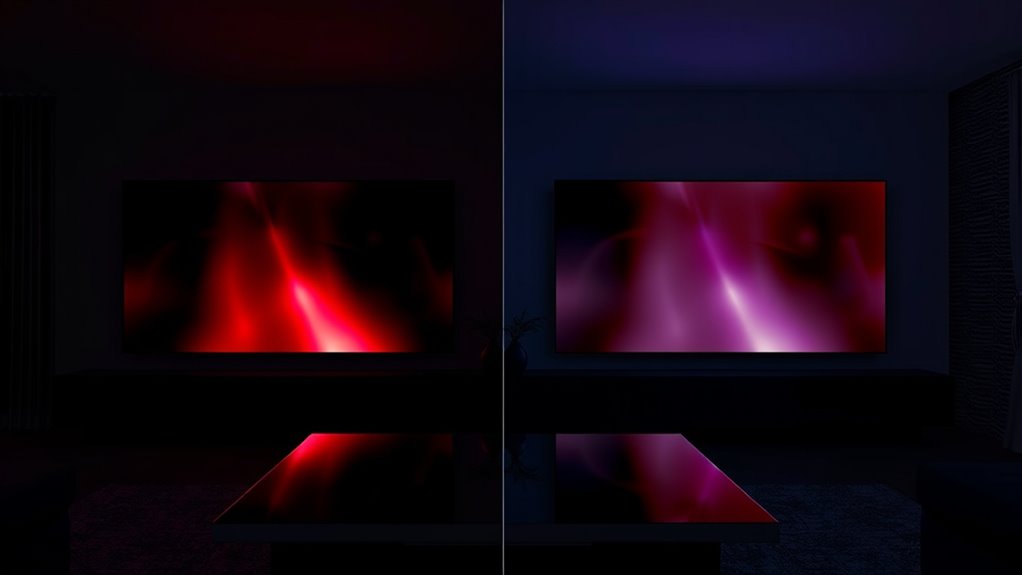

Dolby Vision offers a clear advantage over HDR10 for projectors by using dynamic metadata, which adjusts brightness, contrast, and colors scene-by-scene. This results in more vibrant and accurate images, especially in complex or variable scenes. Meanwhile, HDR10 relies on static settings that apply the same tone mapping throughout, making it less adaptable but more widely compatible. To discover how these differences impact your viewing experience, keep exploring the details below.
Key Takeaways
- Dolby Vision uses dynamic metadata for scene-by-scene adjustments, delivering superior picture quality compared to HDR10’s static settings.
- Dolby Vision offers more vibrant colors and better contrast, especially in complex or dark scenes, due to its scene-specific optimization.
- HDR10 is more widely supported across projectors and devices, making it a more universally compatible format.
- Dolby Vision can achieve higher luminance levels and vivid highlights, enhancing overall image vividness and depth.
- While Dolby Vision provides enhanced image quality, its effectiveness depends on compatible content sources and hardware support.
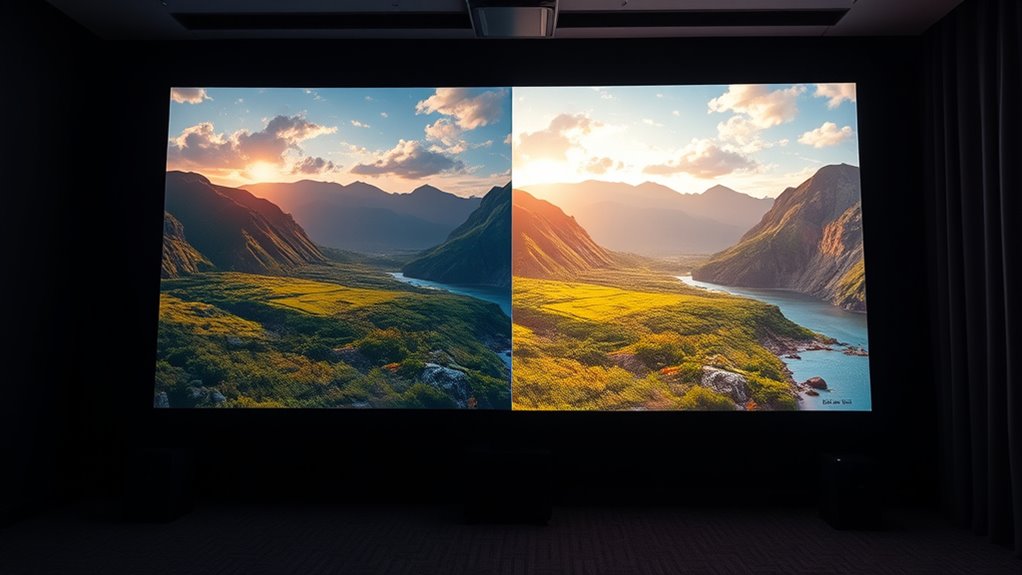
Choosing the right HDR format can substantially impact your projector’s picture quality, but with options like Dolby Vision and HDR10, it can also be confusing. Both formats aim to deliver richer colors, better contrast, and more detailed images, yet they do so through different approaches. Understanding their strengths and limitations helps you make an informed decision that aligns with your viewing preferences. Dolby Vision is renowned for its dynamic metadata, which adjusts brightness, contrast, and color scene-by-scene or even frame-by-frame. This dynamic adjustment ensures that each scene is optimized for the best possible picture quality, resulting in superior color accuracy and consistency. When you watch content in Dolby Vision, you’ll notice more vibrant colors and a broader range of shades, especially in darker or more colorful scenes. The brightness enhancement capabilities of Dolby Vision are also impressive, allowing the projector to push higher luminance levels without losing detail, which makes highlights pop and enhances overall vividness. Additionally, the use of high-quality content sources can significantly influence the effectiveness of Dolby Vision’s dynamic adjustments.
In contrast, HDR10 is more straightforward and widely supported across devices. It uses static metadata, meaning the same tone mapping and brightness settings are applied throughout the entire content. While this can sometimes limit the dynamic range compared to Dolby Vision, HDR10 still provides a noteworthy upgrade over standard HDR formats. It’s capable of delivering rich colors and decent brightness enhancement, but because it doesn’t adapt scene-by-scene, some scenes may not look as optimized. This static approach can sometimes lead to less precise color accuracy in complex images, but for many viewers, HDR10 still offers a visually satisfying experience, especially on projectors that may not fully support Dolby Vision’s advanced features.
Frequently Asked Questions
Can HDR Formats Affect Gaming Performance on Projectors?
HDR formats can impact your gaming experience on projectors, especially regarding color accuracy and input lag. If a projector supports a high-quality HDR format like Dolby Vision, you’ll notice richer colors and better contrast, enhancing visuals. However, some HDR formats might introduce slight input lag, affecting your responsiveness. Make sure your projector’s HDR capabilities align with your gaming needs to enjoy smooth gameplay with accurate colors.
Is Dolby Vision More Future-Proof Than HDR10?
You might think Dolby Vision is the knight in shining armor for future-proofing debates, but the truth is, HDR10 is also evolving rapidly. As technology advances, both formats are pushing the boundaries of picture quality. While Dolby Vision offers more dynamic metadata and better color precision now, HDR10’s open standard means it’s likely to adapt and grow, making it equally ready for the future’s unpredictable tech evolution.
Do All Projectors Support Both Dolby Vision and HDR10?
Not all projectors support both Dolby Vision and HDR10. You need to check the projector’s compatibility, as some models only support HDR10 due to hardware limitations or cost considerations. HDR format limitations mean that projectors with older or basic HDR support might not deliver the full benefits of Dolby Vision’s advanced features. Always verify the specs before purchasing if you want full HDR format support for your projector setup.
How Do HDR Formats Impact Projector Lifespan?
HDR formats don’t directly harm your projector, but brighter images can strain the display over time. You might notice reduced display longevity if you frequently watch content with high dynamic range at max brightness. To protect your projector’s durability, avoid consistently pushing brightness levels and use proper settings. Regular maintenance and moderation help ensure your projector’s lifespan remains long, preserving both picture quality and display longevity.
Are There Cost Differences Between HDR Formats for Projectors?
Yes, there are cost implications between HDR formats for projectors. Dolby Vision typically costs more due to licensing fees and advanced features, while HDR10 is more budget-friendly because it’s open-source and widely compatible. When choosing a format, consider your budget and format compatibility with your projector. Investing in Dolby Vision may offer better picture quality but could increase overall costs, whereas HDR10 provides a cost-effective, versatile option.
Conclusion
Ultimately, choosing between Dolby Vision and HDR10 is like selecting the right brush for a masterpiece—you need the right tool to bring your vision to life. Dolby Vision offers richer detail and deeper contrast, while HDR10 provides solid performance at a more accessible price. Understanding their strengths helps you make an informed decision, ensuring your projector becomes a window to vibrant, lifelike worlds. With the right choice, your viewing experience will shine brighter than ever.