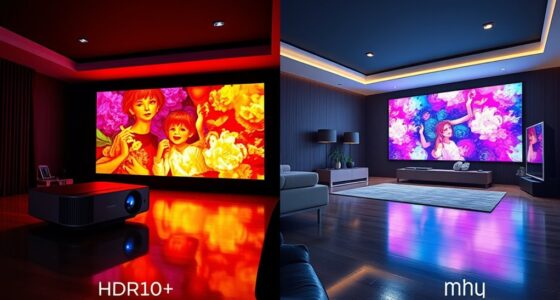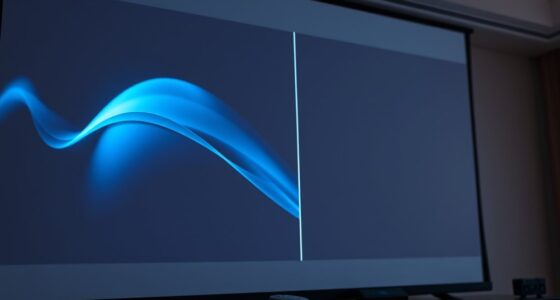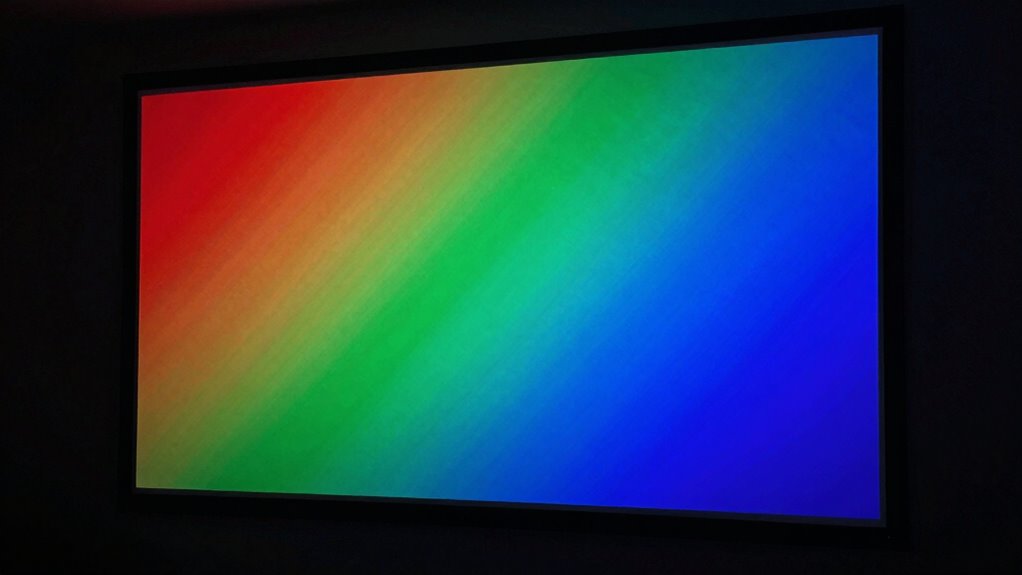

Chroma subsampling affects your 4K projector’s image quality by compressing color information to save bandwidth, which can lead to less vibrant or slightly inaccurate colors. This process mainly preserves brightness details but reduces color detail, especially in complex scenes. Heavy compression may cause artifacts like color banding or dullness. The projector’s decoding ability and content quality play key roles in how well these issues are managed. Continue exploring to discover how these factors influence your viewing experience.
Key Takeaways
- Chroma subsampling reduces color data to save bandwidth, potentially affecting color vibrancy and accuracy in 4K images.
- Compression can cause artifacts like color banding, impacting overall image smoothness and natural color gradations.
- Higher-quality projectors with advanced decoding handle chroma subsampling better, preserving color fidelity.
- Content with minimal compression artifacts enhances visual quality, especially in scenes with fine color details.
- Understanding chroma subsampling helps optimize content and equipment choices for vibrant, true-to-life 4K images.
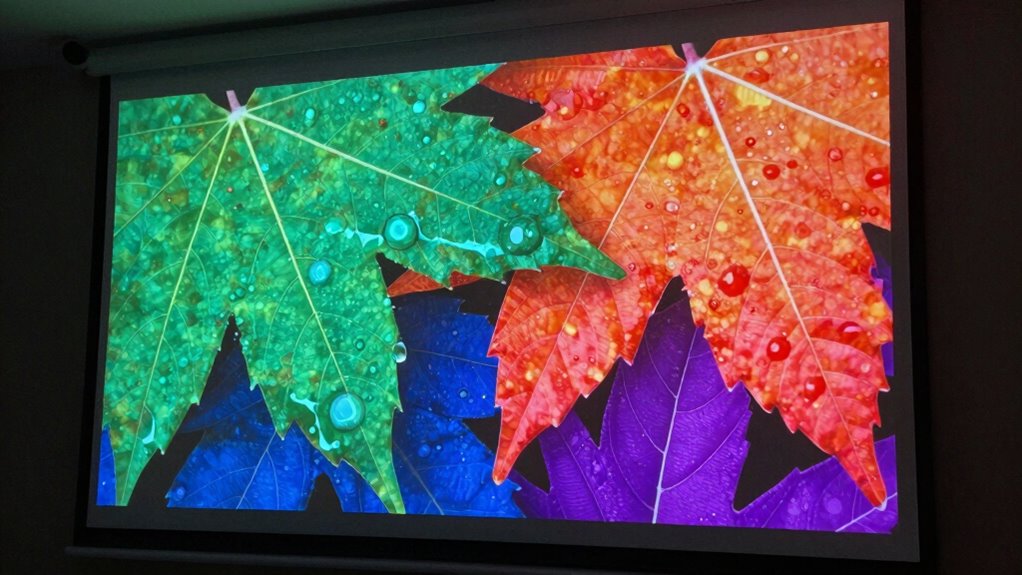
When it comes to 4K projector image quality, understanding chroma subsampling is essential, because it directly affects how color information is stored and displayed. Chroma subsampling is a method used to reduce the amount of color data in a digital image, which helps save bandwidth and storage without significantly impacting perceived picture quality. However, this process can influence your projector’s color accuracy, making it a critical factor when evaluating image fidelity. The key idea is that not all color information is treated equally; luminance (brightness) data is preserved more precisely than chrominance (color) data, which is compressed to save space.
Chroma subsampling reduces color data, impacting color accuracy and image fidelity in 4K projectors.
In the context of 4K projectors, where image detail and clarity are paramount, chroma subsampling can introduce subtle but noticeable effects. When color information is compressed, it may lead to less vibrant colors or slight color inaccuracies, especially in scenes with fine color transitions or complex hues. This is because the projector has less detailed color data to work with, which can be particularly noticeable in images with rich, saturated colors. As a result, you might see colors that appear slightly muted or less precise than in the original content. While this trade-off is often subtle, it becomes more apparent with higher-quality projectors and detailed visuals. Additionally, the impact of color compression can vary depending on the content being displayed and the projector’s processing capabilities.
Another aspect to consider is compression artifacts, which can be a consequence of chroma subsampling. These artifacts manifest as visual imperfections—such as color banding, blockiness, or ghosting—that degrade the overall image quality. When chroma data is heavily compressed, the projector might struggle to render smooth, natural color gradations, leading to these unwanted artifacts. If you value sharpness and clean visuals, high-quality 4K content with minimal compression artifacts is essential. Otherwise, the image may look less refined, and the overall viewing experience could suffer. Additionally, the effectiveness of a projector’s decoding capabilities can significantly influence how well it manages these issues, especially with advanced chroma subsampling formats.
Your choice of content source and the projector’s decoding capabilities play significant roles here. Some projectors handle chroma subsampling better than others, offering more accurate color reproduction and fewer compression artifacts. Higher-end models often support better chroma subsampling formats, resulting in enhanced color fidelity and reduced compression issues. Understanding how these compression techniques interact with your content and equipment can greatly influence visual outcomes, ensuring a more satisfying viewing experience. In the end, understanding how chroma subsampling impacts color accuracy and the potential for compression artifacts helps you select content and equipment that deliver the best possible 4K image quality. It ensures you get vibrant, true-to-life colors without the distracting imperfections that can undermine your viewing experience.
![Projector-4K with WiFi and Bluetooth:[3000 ANSI/40W Dolby Audio/Official Licensed Apps], Outdoor-Projector with Smart OS 2.0 & AI Auto Focus,ONOAYO ONO5Pro 2.0 Smart Movie Projector for Indoor/Outdoor](https://m.media-amazon.com/images/I/411TCiwZ0EL._SL500_.jpg)
Projector-4K with WiFi and Bluetooth:[3000 ANSI/40W Dolby Audio/Official Licensed Apps], Outdoor-Projector with Smart OS 2.0 & AI Auto Focus,ONOAYO ONO5Pro 2.0 Smart Movie Projector for Indoor/Outdoor
[Hear the Difference–Hollywood-Grade Dual 40W Dolby Audio] Why spend $500 on a TV + soundbar or settle for…
As an affiliate, we earn on qualifying purchases.
As an affiliate, we earn on qualifying purchases.
Frequently Asked Questions
How Does Chroma Subsampling Affect Color Accuracy in 4K Projectors?
Chroma subsampling can slightly reduce color fidelity in your 4K projector images because it compresses color information to save bandwidth efficiency. While this makes data transfer easier, it might cause subtle color inaccuracies, especially in scenes with fine color details. However, modern projectors often compensate for this, so you may not notice a significant difference unless you’re viewing highly detailed or color-critical content.
Can Chroma Subsampling Cause Noticeable Artifacts on Large Screens?
Yes, chroma subsampling can cause noticeable artifacts on large screens, especially with lower sampling ratios like 4:2:0. You might see color bleeding and detail loss in images, making scenes look less sharp and vibrant. These artifacts become more apparent as screen size increases, so if you want a crisp, colorful picture, look for projectors with higher chroma sampling or minimal compression to reduce such issues.
Is 4:4:4 Chroma Subsampling Better for Motion Handling?
Yes, 4:4:4 chroma subsampling is better for motion handling because it preserves full color detail, ensuring smoother, more accurate color shifts. Think of it as the heartbeat of color fidelity—every frame, every movement, stays sharp and vibrant. While it may demand more bandwidth, it offers superior image quality, making your 4K projector’s motion handling more precise and lively, especially during fast-paced scenes.
How Do Different Chroma Subsampling Ratios Impact Compression?
You’ll find that different chroma subsampling ratios considerably impact compression efficiency and color depth. Lower ratios like 4:2:0 improve compression by reducing color information, which can lead to less vibrant images, especially in detailed scenes. Conversely, 4:4:4 preserves more color data, maintaining higher color depth but results in larger file sizes. Balancing these ratios helps optimize image quality and compression efficiency for your 4K projector setup.
Does Chroma Subsampling Affect 3D or HDR Content Quality?
Yes, chroma subsampling can affect 3D and HDR content quality because it reduces color information, impacting color depth and overall vibrancy. During signal processing, the lower color resolution may cause less precise color reproduction, especially in high-contrast or detailed scenes. For 3D and HDR, where color accuracy and depth are essential, higher chroma subsampling ratios may lead to noticeable quality loss, so choosing better sampling preserves image richness.
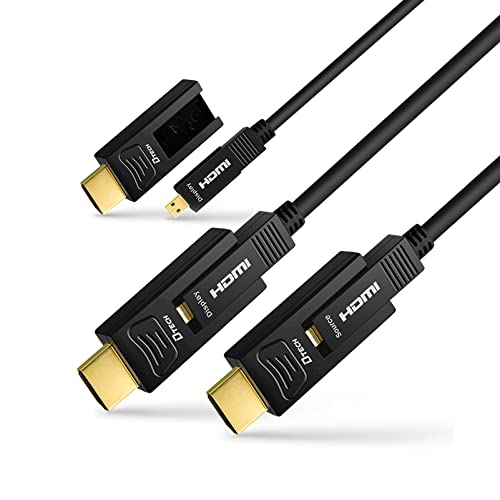
DTECH 75 Feet Fiber Optic HDMI Cable 4K 60Hz 444 Chroma Subsampling 18Gbps Ultra HD with Micro HDMI to Standard HDMI Connectors Compatible with UHD TV Projector Computer Monitor (23 Meters, Black)
High speed micro HDMI to HDMI fiber optic cable 75 feet 4K is an ideal A/V solution when…
As an affiliate, we earn on qualifying purchases.
As an affiliate, we earn on qualifying purchases.
Conclusion
In the world of 4K projectors, understanding chroma subsampling can substantially shape your streaming and viewing experience. By balancing brilliance and bandwidth, you can optimize image quality without sacrificing speed. Remember, mastering this modern magic makes your movie moments more memorable. So, stay savvy, select smartly, and see the stunning spectrum of superb visuals that chroma subsampling can provide. Your perfect projector picture is just a few clever choices away!

2000 ANSI 4K Decoding Projector with WiFi and Bluetooth, HAPPRUN Movie Home Theater with Auto Focus, 300'' Display for Indoor/Outdoor, Smart Proyector Compatible with Phone/TV Stick/PC/PS5
[EASIER OPERATION: AI Smart Screen Adjustment] HAPPRUN projector comes with auto focus and 6D auto-keystone technology, enjoy a…
As an affiliate, we earn on qualifying purchases.
As an affiliate, we earn on qualifying purchases.
Projector-4K with WiFi and Bluetooth:[3000 ANSI/40W Dolby Audio/Official Licensed Apps], Outdoor-Projector with Smart OS 2.0 & AI Auto Focus,ONOAYO ONO5Pro 2.0 Smart Movie Projector for Indoor/Outdoor
[Hear the Difference–Hollywood-Grade Dual 40W Dolby Audio] Why spend $500 on a TV + soundbar or settle for…
As an affiliate, we earn on qualifying purchases.
As an affiliate, we earn on qualifying purchases.