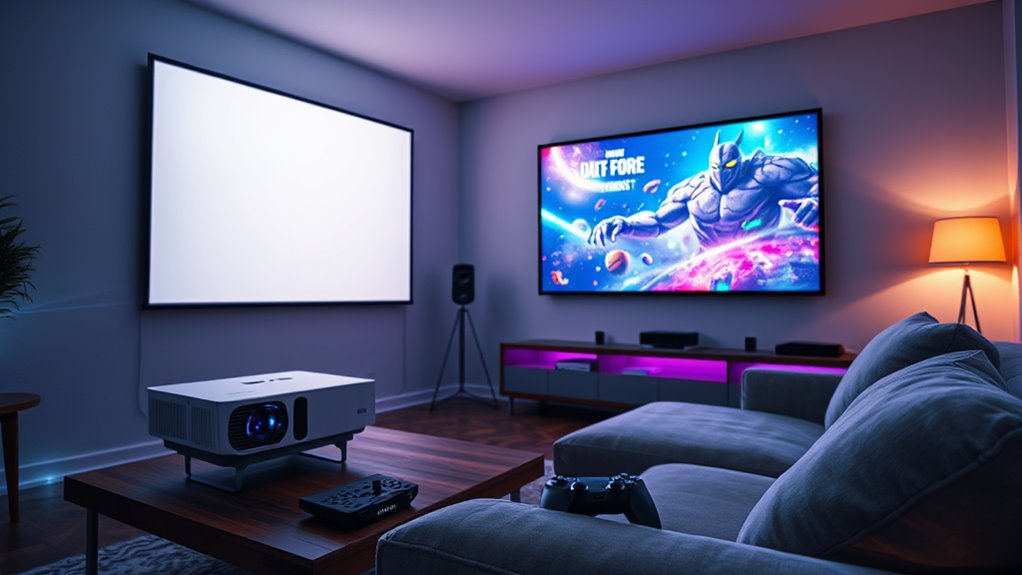

To optimize your PS5 or Xbox gaming on a projector, start by calibrating your image with projector’s settings for brightness, contrast, and color balance. Match the console’s resolution (preferably 4K and HDR) with your projector’s capabilities for vivid, detailed visuals. Control ambient lighting to reduce glare and enhance contrast, and adjust the image size for a perfect fit without distortion. Fine-tuning these settings will elevate your gaming experience—keep exploring to discover more tips.
Key Takeaways
- Calibrate projector settings for optimal color, contrast, and resolution to match PS5/Xbox output, enabling crisp, vibrant visuals.
- Adjust image size and aspect ratio to fill the screen properly without distortion or cropping.
- Minimize ambient light with blackout curtains or soft indirect lighting to enhance contrast and prevent washout.
- Fine-tune brightness and contrast based on your environment for vivid images without glare or loss of detail.
- Regularly recheck calibration and lighting conditions to maintain the best gaming experience across different rooms.
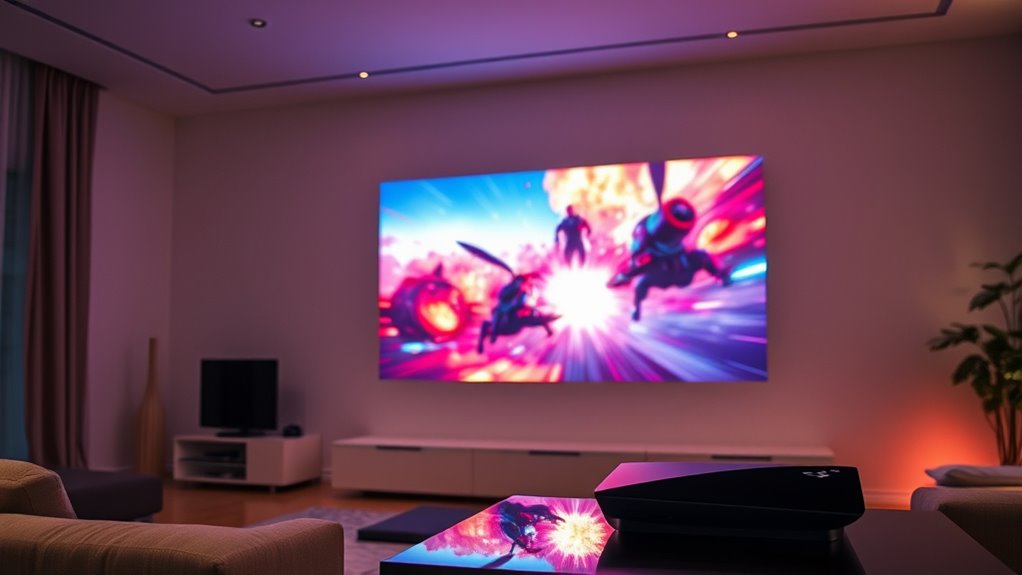
If you want to get the most out of your PS5 or Xbox gaming experience on a projector, optimizing your settings is essential. The first step is ensuring proper screen calibration. When your projector isn’t calibrated correctly, colors can appear washed out or overly saturated, and contrast might be off, making your games less immersive. To start, use your projector’s calibration tools or built-in settings to fine-tune brightness, contrast, and color balance. Adjust the image size to fill your screen without stretching or cropping, and verify that the resolution matches your console’s output. If your console supports 4K or HDR, enable these settings on both your console and projector, ensuring you get the full visual range. Proper screen calibration creates a crisp, vibrant picture, making every detail pop and reducing eye strain during long gaming sessions.
Next, consider ambient lighting. The environment where you’re gaming plays a *vital* role in image quality and overall experience. Too much ambient light can wash out your picture, reducing contrast and making dark scenes hard to see. Conversely, a completely dark room can cause eye fatigue and make it harder to focus. The goal is to strike a balance—dim the lights or use blackout curtains to limit excess glare while avoiding complete darkness. If your projector has a high lumen output, it can handle more ambient light, but for *maximum* results, keep the room moderately lit. Use indirect lighting, such as bias lights behind your screen or soft lamps, to reduce eye strain and improve perceived contrast. This environment adjustment complements your screen calibration, ensuring colors stay true and contrast remains sharp.
Additionally, pay attention to how ambient lighting interacts with your projector’s brightness settings. If your image looks dull or washed out, increasing the projector’s brightness might help, but only if it doesn’t introduce excessive glare or reduce contrast. Use a combination of calibration and ambient lighting control to find that sweet spot where visuals are vibrant, details are sharp, and your gaming experience is immersive. Remember, every room is different, so don’t hesitate to experiment with lighting levels and calibration settings until you find what works best for your space. Incorporating proper lighting techniques can significantly enhance your visual clarity and overall gaming enjoyment. By paying close attention to both screen calibration and ambient lighting, you’ll *considerably* enhance your gaming visuals, making every session more engaging and visually stunning.

ViewSonic LS901-4K UHD 4K Laser Projector with 5500 Lumens, 1.7X Optical Zoom, 4K HDR/HLG Support, 4 Corner Adjustment, H/V Keystone, 360 Degrees Projection for Home Theater and Commercial Venues
4K Home Theater Laser Projector: UHD (3840x2160p) 4K resolution with a 1.2-2.0 throw ratio and 5,500 ANSI lumens,...
As an affiliate, we earn on qualifying purchases.
Frequently Asked Questions
How Often Should I Calibrate My Projector for Gaming?
You should calibrate your projector every 6 to 12 months, depending on your usage and environment. Regular calibration keeps colors accurate and guarantees ideal image quality for gaming. Incorporate calibration into your maintenance schedule, especially if you notice color shifts, dimming, or image distortions. Frequent calibration helps maintain peak performance, so don’t wait until issues arise—stay on top of your projector’s health for the best gaming experience.
Can I Use Motion Smoothing Settings for a Better Gaming Experience?
While motion smoothing can seem tempting for gaming enhancement, it’s often best to turn it off. It can introduce artifacts and input lag, diminishing your overall experience. Instead, focus on optimizing your projector’s native settings for smooth gameplay. For the clearest visuals and most responsive controls, rely on your console’s refresh rate and dedicated gaming modes. This approach guarantees your gaming sessions stay immersive and enjoyable without unnecessary distractions.
What’s the Ideal Screen Size for Different Room Distances?
Your ideal screen size depends on your room distance. For closer distances, opt for a smaller screen around 100-120 inches to avoid strain. If you’re farther back, a larger screen of 150-200 inches enhances immersion without losing clarity. Measure your room and seating distance carefully, then choose a screen size that fills your field of view comfortably, ensuring you enjoy excellent gaming visuals without sacrificing image quality.
How Do Ambient Light Conditions Affect Projector Gaming Settings?
Ambient light is like sunlight pouring into a theater, washing out your scene. When there’s lots of ambient light, you should increase your projector’s brightness and adjust contrast to combat screen glare. Dimming the lights or using a matte screen helps reduce glare and enhances picture clarity. Keep your environment controlled for the best gaming experience, ensuring your gameplay remains vivid and immersive despite changing ambient light conditions.
Are There Specific Projector Brands Better Suited for Gaming?
You should consider brands like Epson, Optoma, and BenQ, as they excel in projector brand comparison for gaming. Look for gaming projector features such as low input lag, high refresh rates, and good contrast ratios. These brands often prioritize performance-specific features, ensuring smooth gameplay and vibrant visuals. When choosing a gaming projector, focus on these key aspects to enhance your experience and avoid lag or blurry images during intense gaming sessions.

Official Licensed Google TV Smart Projector, HAPPRUN 4K UHD Home Theater with Dolby Sound, Wi-Fi & Bluetooth, Built-in Streaming Apps, Compatible with Games Consoles & Smartphone, Indoor & Outdoor Use
[ Built-in Official Licensed Google TV ] - Without additional equipment, the smart projector can directly access Netflix,...
As an affiliate, we earn on qualifying purchases.
Conclusion
Now that you’ve dialed in the perfect projector settings, gaming becomes like stepping into your own arcade, vivid and immersive. Remember when I first tried adjusting my projector, and suddenly every detail popped like fireworks? Just like a skilled captain steering through rough waters, you’re now in command of your gaming experience. With these settings, you’ll enjoy sharper visuals and smoother gameplay—making every session feel like a front-row seat to your favorite game.

ViewSonic PX701-4K UHD 4K Projector with 3200 Lumens, 240Hz, 4.2ms, HDR, Auto Keystone, Dual HDMI for Home Theater
4K Home Theater Projector: UHD (3840x2160p) 4K resolution with a 1.5-1.6 throw ratio and 3,200 ANSI lumens perfect...
As an affiliate, we earn on qualifying purchases.
![Projector-4K with WiFi and Bluetooth:[3000 ANSI/40W Dolby Audio/Official Licensed Apps], Outdoor-Projector with Smart OS 2.0 & AI Auto Focus,ONOAYO ONO5Pro 2.0 Smart Movie Projector for Indoor/Outdoor](https://m.media-amazon.com/images/I/411TCiwZ0EL._SL500_.jpg)
Projector-4K with WiFi and Bluetooth:[3000 ANSI/40W Dolby Audio/Official Licensed Apps], Outdoor-Projector with Smart OS 2.0 & AI Auto Focus,ONOAYO ONO5Pro 2.0 Smart Movie Projector for Indoor/Outdoor
[Hear the Difference–Hollywood-Grade Dual 40W Dolby Audio] Why spend $500 on a TV + soundbar or settle for...
As an affiliate, we earn on qualifying purchases.