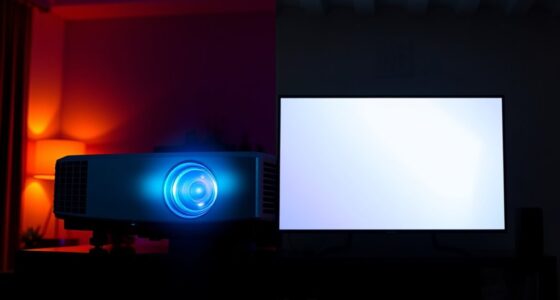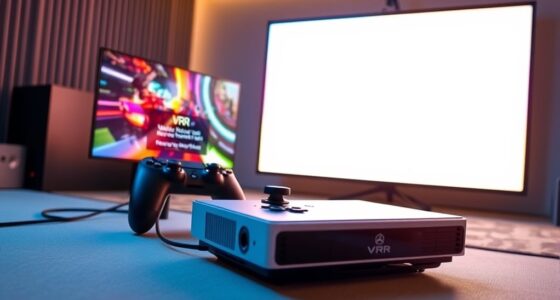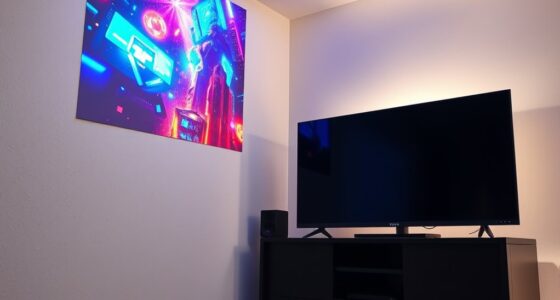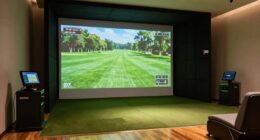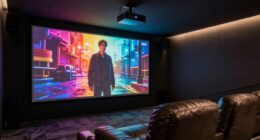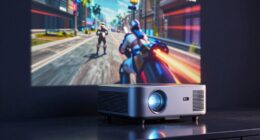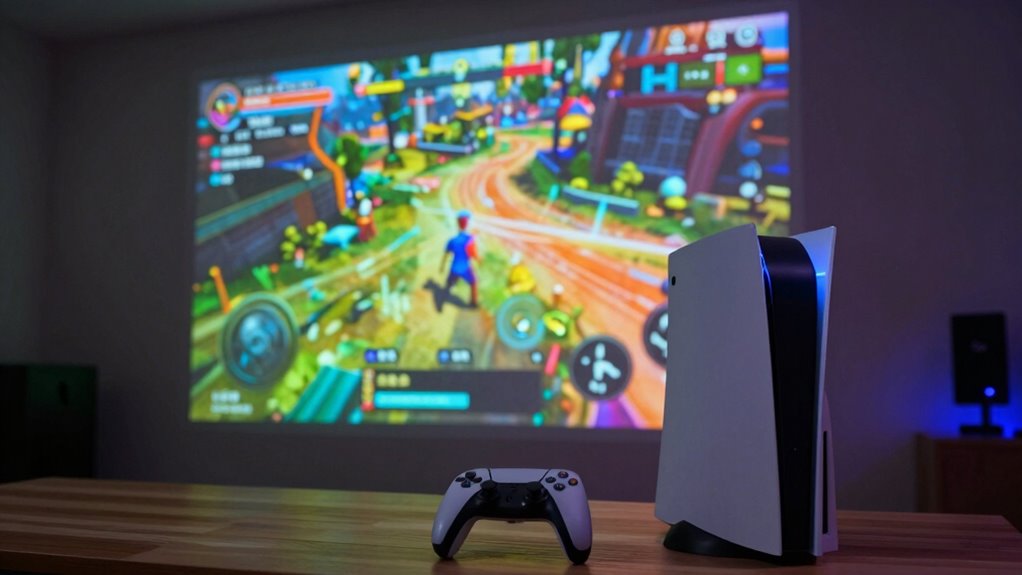
When gaming on a projector, focusing on setup and image quality matters more than just raw resolution. You should consider factors like proper calibration, brightness, contrast, and room lighting to guarantee clear, vibrant visuals. Bigger screens provide immersion, but only if your projector can deliver sharp images at that size. Balancing these elements creates a better experience than resolution alone. Keep exploring to discover how to optimize your gaming setup for the best possible results.
Key Takeaways
- Proper projection setup, including brightness, contrast, and calibration, significantly impacts image quality beyond resolution.
- Screen size should match projector capabilities to maximize immersion without sacrificing clarity.
- Room lighting and ambient conditions influence picture brightness and contrast more than resolution alone.
- Viewing distance and screen calibration enhance clarity and immersion, often more effectively than higher resolution.
- Balancing projector specs with room setup and calibration creates a superior gaming experience over focusing solely on resolution.
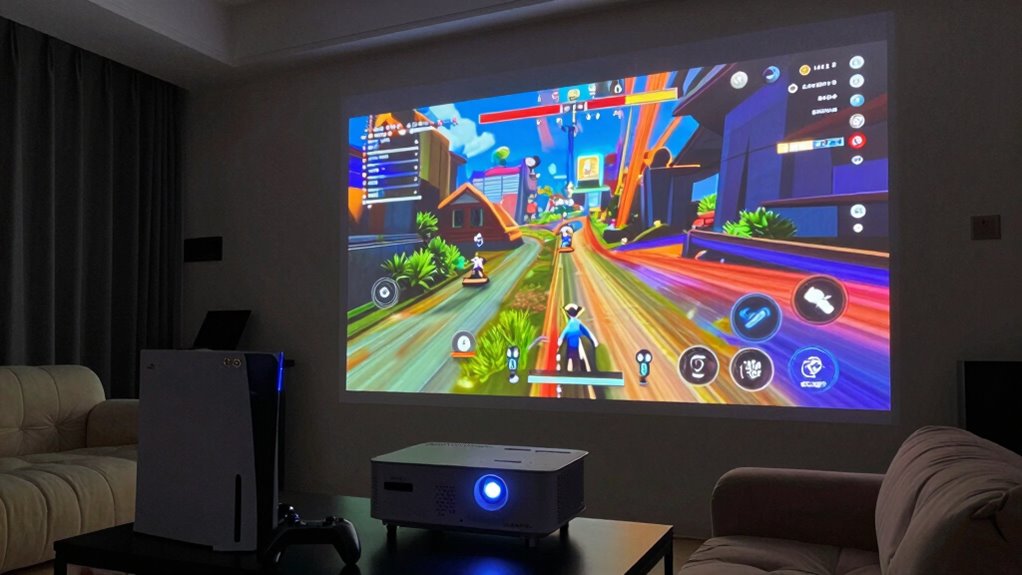
Have you ever considered turning your living room into a gaming theater? If so, then you’re probably thinking about how to get the best experience with a projector. When it comes to gaming on a projector, many focus solely on raw resolution, but there’s more to it than just pixel count. Your projection setup plays a significant role, especially when it comes to choosing the right screen size. The size of your screen isn’t just about making everything look bigger; it influences your immersion and comfort during long gaming sessions. A larger screen can make you feel like you’re right in the middle of the action, but only if your projector and room are set up properly.
Choosing the right screen size enhances immersion and comfort in your gaming theater setup.
The key to a great gaming experience isn’t just cranking up the resolution. Instead, you should pay attention to your projection setup as a whole. This includes the throw distance, brightness, and contrast ratio, which all influence how vivid and clear your image appears. When setting up your projector, consider how big you want your screen to be. A bigger screen enhances immersion, but only if your projector can produce a sharp, bright image at that size. If your projector’s resolution is high but the image is dim or blurry at a large size, you won’t get the full benefit. That’s why screen size should be balanced with your projector’s capabilities, room lighting, and viewing distance. Additionally, understanding the projection quality factors can help you optimize your setup for the best gaming experience. Proper calibration of these image settings can make a notable difference in overall visual performance.
Moreover, paying attention to viewing distance is essential for achieving optimal clarity and immersion. When you properly calibrate your projector for room lighting, you can significantly enhance image quality and reduce eye strain during extended gaming sessions. Ensuring your setup accounts for ambient light conditions can also make a noticeable difference in overall picture quality, especially in rooms with unpredictable lighting. Ultimately, when gaming on a projector, prioritize your projection setup and screen size over resolution alone. Consider how big you want your gaming display to be and whether your projector can handle that size with clarity and brightness. Remember, a larger, well-calibrated screen with proper setup creates a more immersive and enjoyable gaming environment than simply chasing higher resolution numbers. Making these thoughtful adjustments will turn your living room into a true gaming theater that’s perfect for long hours of play.

DSLRKIT Lens Focus Calibration Tool Alignment Ruler Folding Card(Pack of 2)
This compact ruler allows you to determine if your lens is auto-focusing accurately as it should. It is…
As an affiliate, we earn on qualifying purchases.
As an affiliate, we earn on qualifying purchases.
Frequently Asked Questions
What Is the Ideal Room Size for Projector Gaming?
For ideal projector gaming, aim for a room that’s at least 12×12 feet. This allows you to set a comfortable screen distance, minimizing eye strain and maximizing immersion. Make sure the room can accommodate sound integration, so your audio complements the visuals without distortion or echo. A larger room also helps control ambient light, enhancing picture quality and creating the perfect environment for an immersive gaming experience.
How Does Ambient Light Affect Gaming Quality?
Ambient light considerably impacts your gaming quality by reducing image clarity on the projector. When there’s too much ambient light, your screen can appear washed out, making it harder to see details and enjoy vibrant visuals. To improve gameplay, control ambient light by dimming lights or using blackout curtains. This creates a darker environment, allowing your projector’s brightness to shine through and delivering sharper, more immersive images for your gaming sessions.
What Are the Best Projector Brands for Gaming?
You should consider brands like Epson, Optoma, and BenQ, which excel in projection technology and sound integration. These brands often push the boundaries with their gaming-specific projectors, offering low input lag and vibrant visuals. Their advanced projection tech creates immersive experiences, while integrated sound guarantees seamless audio. Stay alert to their latest models, as innovation in these brands consistently enhances your gaming sessions, making every moment more intense and engaging.
How Important Is Input Lag in a Gaming Projector?
Input lag is essential when gaming on a projector because it directly impacts your reaction time and overall experience. A low input lag guarantees your actions sync quickly with what you see on a large screen, enhancing gameplay. Remember, screen size can amplify the importance of sound quality to fully immerse you in the game. So, prioritize a projector with minimal input lag and good sound quality for the best gaming experience.
Can a Projector Replace a Gaming Monitor Effectively?
A projector can replace a gaming monitor, but it’s like trading a detailed map for a panoramic view. You’ll enjoy a massive screen size that immerses you, but might sacrifice sound quality and quick response times. If you prioritize an expansive visual experience and don’t mind external speakers or slower input lag, a projector works. However, for competitive gaming, a dedicated monitor’s clarity and responsiveness still hold the edge.
![[Compatible with Netflix/High Brightness] Smart Projector with WiFi 6 and Bluetooth 5.3, 4K Outdoor Movie Projector with Prime Video/YouTube, Portable Proyector Compatible with HDMI/USB/iOS/Android](https://m.media-amazon.com/images/I/51Wkc9mC0ZL._SL500_.jpg)
[Compatible with Netflix/High Brightness] Smart Projector with WiFi 6 and Bluetooth 5.3, 4K Outdoor Movie Projector with Prime Video/YouTube, Portable Proyector Compatible with HDMI/USB/iOS/Android
【Compatible with Netflix】Our projector removes Roku/Fire TV, delivering direct home-interface access to Netflix's library. HDCP 2.2-compliant for flawless…
As an affiliate, we earn on qualifying purchases.
As an affiliate, we earn on qualifying purchases.
Conclusion
As you settle into your gaming space, remember that a projector’s true magic isn’t just in sharp pixels but in the immersive experience it creates. Picture yourself stepping into a vast, vibrant world where every detail surrounds you, regardless of resolution. It’s about the journey, the atmosphere, and feeling truly present. So, focus on the overall vibe, and let the visuals become a gateway to endless adventures—more than just numbers, it’s about where your imagination takes you.

GooDee 4K Smart Projector with WiFi & Bluetooth – 3000 ANSI UHD, ToF Auto Focus Keystone MEMC, Dolby Audio Home Theater Video Projector Built-in Streaming Apps, Indoor & Outdoor Movies, Gaming
【Smart Projector with Built-in Streaming Apps】 GooDee’s outdoor projector features an intelligent system deeply integrated with the global…
As an affiliate, we earn on qualifying purchases.
As an affiliate, we earn on qualifying purchases.

Northern Lights Projector Aurora Light Projector, 18-Color Sunset Lamp Cool Stuff for Teen Girls Game Room Decor for Teen Girls, Mood Lighting Galaxy Projector for Bedroom Decorations, Boy Girl Gifts
【Ceiling Northern Lights for Bedroom】This northern lights projector galaxy projector features at least 162 cosy northern lights effects,transforming…
As an affiliate, we earn on qualifying purchases.
As an affiliate, we earn on qualifying purchases.