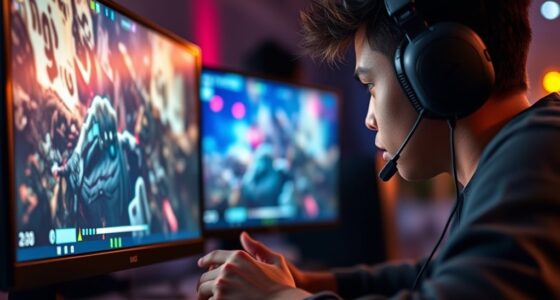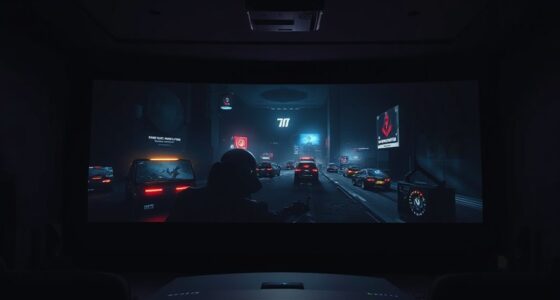
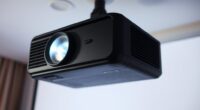
To create a gaming cave with minimal delay, start by calibrating your projector’s refresh rate, resolution, and input lag mode for smooth visuals and responsiveness. Mount it securely to avoid vibrations and guarantee a proper setup with high-quality HDMI cables to reduce signal delay. Keep your space organized, soundproofed, and free of external distractions. Fine-tuning these aspects enhances your gaming experience, and if you keep going, you’ll discover even more tips for ideal setup.
Key Takeaways
- Calibrate projector settings including refresh rate, resolution, and input lag mode to ensure minimal delay and smooth gameplay.
- Mount the projector securely at optimal height and distance to prevent keystone distortion and response delays.
- Use high-quality, low-latency HDMI cables and keep wiring organized for a stable, fast signal transmission.
- Add acoustic treatments and seal gaps to create a quiet, distraction-free environment for quicker reactions.
- Regularly verify calibration with test patterns to maintain optimal image responsiveness and minimal input delay.
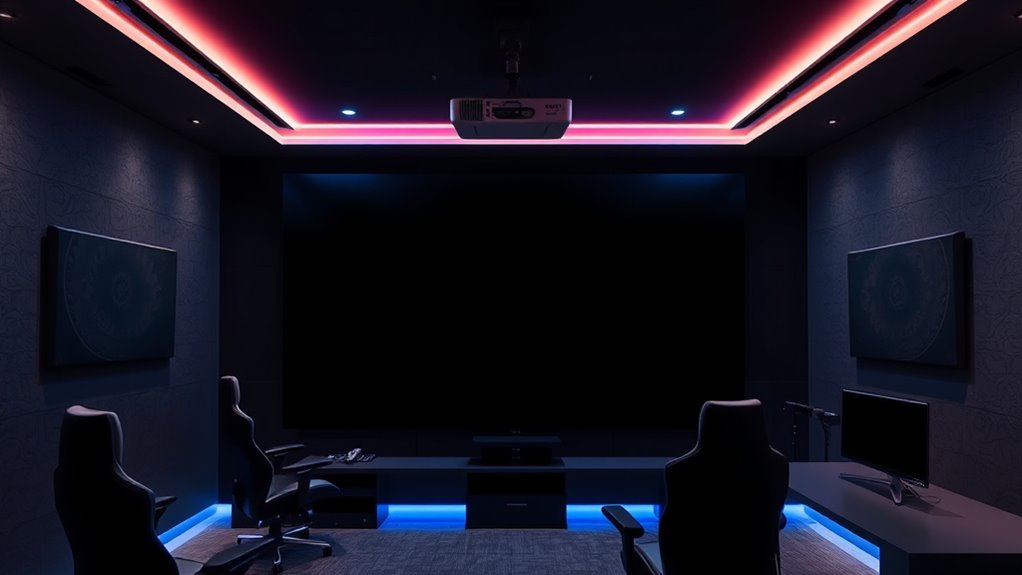
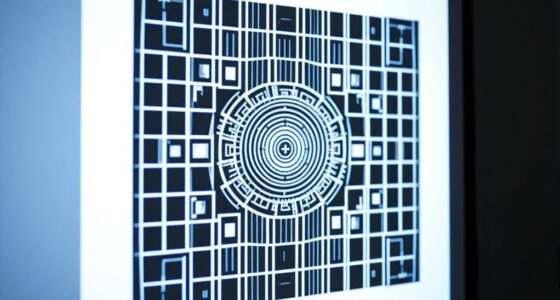
Creating a gaming cave with a projector can dramatically enhance your experience, but minimizing input delay is essential for competitive play. To achieve this, you need to pay close attention to calibration techniques that optimize your projector’s settings and ensure your gaming setup performs at its best. Start by adjusting the projector’s refresh rate and resolution to match your gaming console or PC’s output; this alignment reduces lag and provides smoother visuals. Many projectors have an input lag mode—activate this feature to cut down on delay. Fine-tuning the image size and focus ensures clear visuals, but don’t forget that proper calibration extends beyond just picture quality. You should also consider adjusting the color settings to avoid unnecessary processing that could introduce additional delay. Use calibration tools or test patterns to verify that your image is properly aligned and responsive.
While focusing on visual calibration, it’s equally important to implement soundproofing tips to keep your gaming environment focused and free from external noise. Soundproofing your gaming cave minimizes distractions and prevents sound leaks that could disturb others. Simple soundproofing techniques include adding acoustic panels or foam to the walls, sealing gaps around doors and windows, and placing rugs or carpets on the floor to absorb sound. These measures help create a controlled environment where audio cues are clear, and you can react swiftly without ambient noise interfering. When combined with an optimized projector setup, effective soundproofing ensures your gaming experience is immersive and precise.
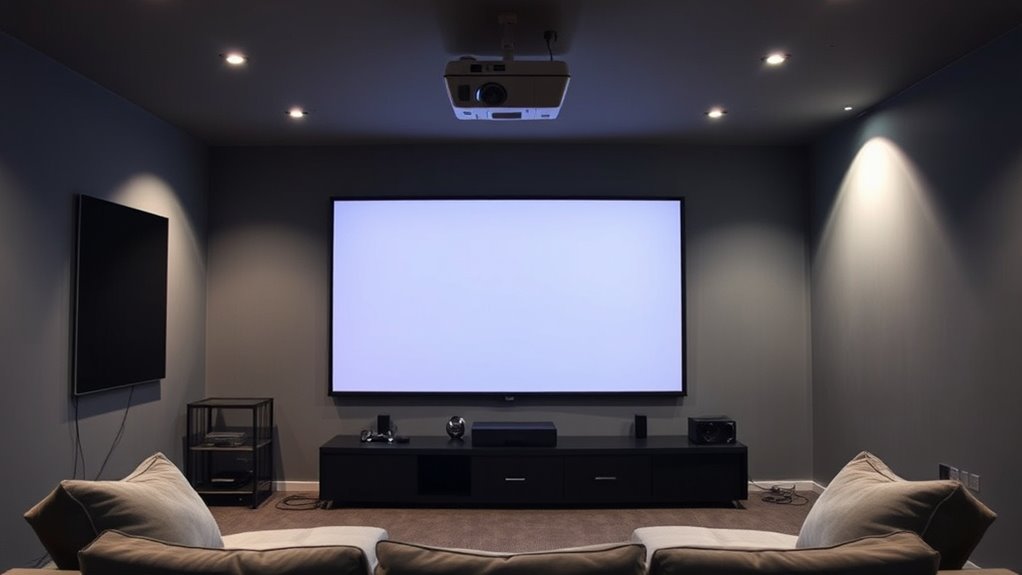
In addition to calibration techniques and soundproofing, you should also consider the placement of your projector. Mount it at the correct height and distance from your screen to avoid keystone distortion, which can slow down response time when making adjustments during gameplay. A stable, secure mount reduces vibrations that might cause image jitter, further minimizing lag. Keep in mind that wiring should be tidy and short to prevent signal degradation, which can add to delay. Using high-quality HDMI cables designed for low latency ensures your input signals reach the projector without delay, maintaining the responsiveness you need for competitive gaming.
low latency HDMI cables for gaming
As an affiliate, we earn on qualifying purchases.
As an affiliate, we earn on qualifying purchases.
Frequently Asked Questions
What Is the Optimal Room Size for a Gaming Cave Projector Setup?
You should aim for a room around 12 to 20 feet long and 10 to 15 feet wide for an ideal gaming cave projector setup. These room dimensions provide enough space for comfortable seating arrangements and minimize image distortion or delay. Guarantee the ceiling height is at least 8 feet to prevent shadowing, and position your projector properly to achieve the best viewing experience with minimal latency.
How Does Ambient Lighting Affect Projector Image Quality?
Like a painter battling daylight, ambient lighting can diminish your projector’s image clarity. Too much ambient light washes out colors and details, making scenes less vibrant and sharp. To get the best image quality, keep the room dim or dark, using blackout curtains or controlled lighting. This ensures your projector’s image stays crisp, vibrant, and immersive—similar to a masterpiece revealed in perfect lighting.
Can I Use a Regular Projector for Fast-Paced Gaming?
Yes, you can use a regular projector for fast-paced gaming, but look for one with high brightness and good screen resolution to guarantee smooth gameplay. Brightness helps combat ambient light, while sharp resolution reduces lag and blurriness. Opt for a projector with at least 2,000 lumens and 1080p resolution for the best experience. Keep your setup optimized to minimize delay and enjoy seamless, immersive gaming sessions.
What Are the Best Projector Brands for Minimal Delay?
They say “you get what you pay for,” and when choosing projectors for minimal delay, brands like BenQ, Optoma, and Epson stand out. These brands are known for low input lag and quick response times. To optimize your setup, focus on proper projector calibration and sound system integration, ensuring smooth gameplay. Investing in these brands helps you enjoy fast-paced gaming with minimal delay, giving you that competitive edge you need.
How Do I Reduce Latency Caused by HDMI Cables?
To reduce latency caused by HDMI cables, you should minimize HDMI interference by keeping cables away from electrical noise sources. Opt for shorter cable lengths, ideally under 10 feet, to decrease signal degradation and delay. Use high-quality, shielded HDMI cables designed for low latency, and make certain secure connections. Avoid unnecessary extensions or adapters, which can introduce additional delay, and regularly check for any damage that might impact signal quality.
projector with low input lag
As an affiliate, we earn on qualifying purchases.
As an affiliate, we earn on qualifying purchases.
Conclusion
With the right projector setup, you can enjoy immersive gaming with minimal delay, enhancing your overall experience. Did you know that a latency under 20 milliseconds is considered ideal for competitive gaming? By optimizing your setup, you not only boost your performance but also create a true gaming cave. So, take the time to fine-tune your projector, and you’ll be amazed at how much your gaming sessions improve—bringing you closer to a professional-grade setup right at home.

DSLRKIT Lens Focus Calibration Tool Alignment Ruler Folding Card(Pack of 2)
This compact ruler allows you to determine if your lens is auto-focusing accurately as it should. It is…
As an affiliate, we earn on qualifying purchases.
As an affiliate, we earn on qualifying purchases.
soundproof acoustic panels for gaming room
As an affiliate, we earn on qualifying purchases.
As an affiliate, we earn on qualifying purchases.