
Choosing between 4K and 1080p at 120Hz depends on what matters most to you. If you want stunning visuals with richer colors and more detail, 4K HDR offers an immersive experience but may introduce some latency if not optimized. On the other hand, 1080p at 120Hz delivers smoother gameplay and quicker responsiveness, ideal for fast-paced gaming. To find out how to balance these factors for your gaming style, keep exploring the options available.
Key Takeaways
- 4K provides richer visuals and better HDR, ideal for immersive, visually detailed gaming experiences.
- 1080p at 120Hz offers smoother motion and faster responsiveness, beneficial for competitive and fast-paced games.
- Higher resolution demands more processing power, potentially increasing latency and reducing overall responsiveness.
- Choosing 4K emphasizes visual fidelity, while 1080p at 120Hz prioritizes gameplay smoothness and minimal lag.
- Your decision depends on whether you value stunning visuals or optimal responsiveness for your gaming style.

When choosing a gaming console, understanding the differences between 4K and 1080p resolutions, along with 120Hz refresh rates, can considerably impact your gaming experience. One key factor to weigh is HDR performance. HDR, or High Dynamic Range, enhances color accuracy and contrast, making visuals more vibrant and lifelike. With 4K HDR support, your games will display richer colors and deeper blacks, adding depth and realism to your gameplay. If you’re someone who values stunning visuals and immersive environments, opting for a console that excels in HDR performance will elevate your experience. On the other hand, if your focus is on smoother gameplay, refresh rates and latency become critical. A higher refresh rate, like 120Hz, offers more fluid motion, reducing motion blur and making fast-paced action feel more responsive. This is especially noticeable in competitive gaming, where every millisecond counts.
However, when contemplating 4K resolution paired with high refresh rates, you should also be aware of gaming latency. Higher resolutions demand more processing power, which can sometimes introduce input lag if the console or display isn’t optimized. Low gaming latency ensures that your commands are registered quickly, giving you a competitive edge and a more seamless experience. With 1080p at 120Hz, you typically experience less latency because the graphics are less demanding, allowing for faster response times. If your primary goal is competitive gaming or fast reaction times, sticking with 1080p at 120Hz might serve you better, especially if your display supports these features natively.
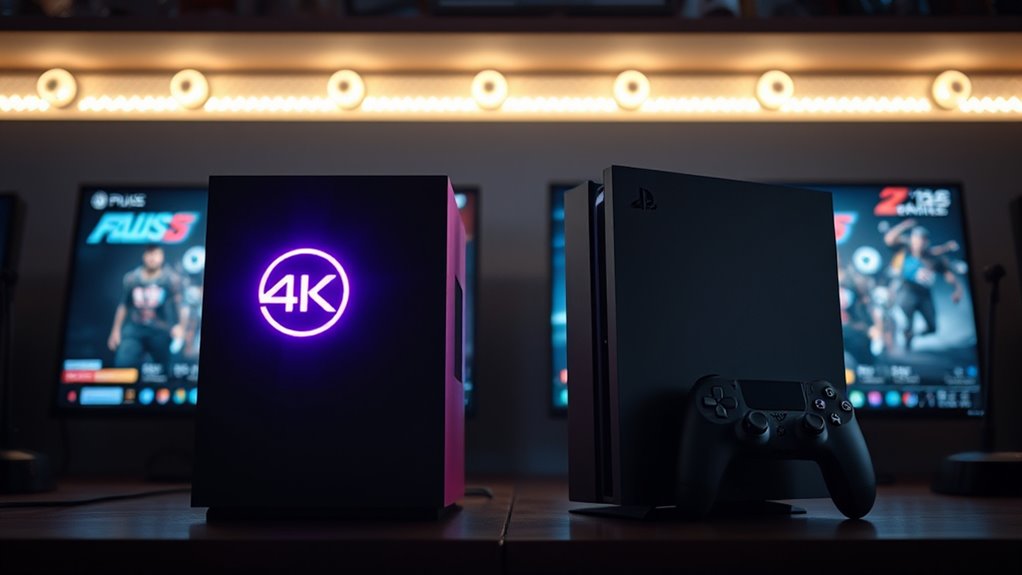
That said, many modern consoles and TVs are designed to balance these elements, offering both high HDR performance and high refresh rates, but the trade-offs are worth contemplating. 4K gaming can sometimes introduce slight delays due to the intensive processing required to render ultra-high-definition visuals, whereas 1080p at 120Hz tends to prioritize responsiveness. Ultimately, your choice depends on what you value most: the stunning, detailed visuals of 4K with rich HDR or the ultra-smooth, responsive gameplay of 120Hz at 1080p. If you want the best visual fidelity with dynamic colors and deep contrast, go for a console that excels in HDR performance, but keep an eye on gaming latency to ensure your gameplay remains sharp and responsive. If responsiveness and quick reaction times are your top priorities, a 1080p setup with a 120Hz refresh rate might be your best bet, offering a crisp, fast experience without sacrificing too much visual clarity.

ASUS ROG Strix 27” 4K HDR400 USB-C Gaming Monitor(XG27UCS)–UHD (3840 x 2160), 160Hz, 1ms, Fast IPS,130% sRGB,Extreme Low Motion Blur Sync, G-Sync Compatible, DisplayWidget, Tripod socket, 3yr warranty
27-inch 3840 x 2160 4K HDR gaming monitor with ultrafast 160Hz refresh rate designed for professional gamers and…
As an affiliate, we earn on qualifying purchases.
As an affiliate, we earn on qualifying purchases.
Frequently Asked Questions
Can Older Consoles Support 4K Resolution?
Older consoles generally don’t support native 4K resolution due to hardware compatibility and upscaling limitations. While some can upscale to 4K, it isn’t true 4K quality, and you’ll notice less detail. If you want genuine 4K gaming, you’ll need a newer console designed with the hardware to handle higher resolutions. Keep in mind, upscaling limitations mean the visual quality won’t match native 4K, so consider this when upgrading.
How Does 120HZ Impact Gameplay Responsiveness?
Jumping into 120Hz can give you the edge you need, as it considerably reduces motion blur and input lag, making gameplay smoother and more responsive. This high refresh rate helps you react faster to in-game actions, giving you a real advantage. The faster your screen updates, the less you’ll notice lag, which can be the difference between winning and losing. So, upgrading to 120Hz makes your gaming experience feel much more immediate and sharp.
Is 1080P 120HZ Suitable for Competitive Gaming?
Yes, 1080p at 120Hz is suitable for competitive gaming because it offers smooth visuals and quick response times. The graphics comparison shows it’s less demanding on hardware requirements, making it easier to achieve high frame rates. This setup helps you react faster and stay ahead in fast-paced games. Just guarantee your console or PC can consistently handle 120Hz to maximize your gameplay responsiveness.
What Is the Cost Difference Between 4K and 1080P Setups?
You might think 4K setups cost more, and that’s generally true. The cost comparison shows 4K gaming requires pricier consoles, higher-end TVs, and more powerful accessories, making it less budget-friendly. If you’re on a tight budget, sticking with 1080p and 120Hz offers a more affordable experience without sacrificing too much quality. Consider your budget considerations carefully, as upgrading to 4K can markedly increase your overall gaming expenses.
Do All Games Benefit Equally From Higher Refresh Rates?
Not all games benefit equally from higher refresh rates. Fast-paced titles like shooters and racing games see significant refresh rate benefits, offering smoother gameplay and improved responsiveness. However, many story-driven or slower-paced games prioritize visuals over high refresh rates, making the benefits less noticeable. Check game compatibility first, as some titles may not support higher refresh rates, but if they do, you’ll enjoy a more fluid, immersive experience.

Sceptre New 22-Inch Gaming Monitor, FHD 1080p, Up to 144Hz, HDMI, DisplayPort, Built-in Speakers, Machine Black (E225W-FW144 Series, 2026)
【INTEGRATED SPEAKERS】Whether you're at work or in the midst of an intense gaming session, our built-in speakers provide…
As an affiliate, we earn on qualifying purchases.
As an affiliate, we earn on qualifying purchases.
Conclusion
Ultimately, choosing between 4K and 1080p 120Hz depends on your gaming priorities. If you crave stunning visuals, 4K offers crisp, detailed images, but it requires more powerful hardware. On the other hand, 1080p at 120Hz delivers smooth gameplay with less demanding specs. Did you know that 120Hz monitors can reduce motion blur by up to 50%? So, if fluidity matters most, 1080p 120Hz might be your best bet for an immersive experience.

ASUS TUF Gaming 27” 4K HDR Monitor (VG27UQ1A) – 160Hz, 1ms, Extreme Low Motion Blur Sync, NVIDIA G-SYNC Compatible, AMD FreeSync Premium, 95% DCI-P3, DisplayWidget, 3 yr Warranty
27-inch 4K (3840 x 2160) gaming monitor with ultra-fast 160Hz refresh rate designed for professional gamers and immersive…
As an affiliate, we earn on qualifying purchases.
As an affiliate, we earn on qualifying purchases.

SANSUI 32 Inch Curved 240Hz Gaming Monitor High Refresh Rate, FHD 1080P Gaming PC Monitor HDMI DP1.4, Curved 1500R, 1Ms MPRT, HDR,Metal Stand,VESA Compatible(DP Cable Incl.)
32 Inch curved 1500R gaming monitor, 240Hz high refresh rate for gameplay
As an affiliate, we earn on qualifying purchases.
As an affiliate, we earn on qualifying purchases.