To watch live TV on your projector, you can connect a digital tuner or cable box that supports over-the-air signals, cable subscriptions, or streaming services. Indoor or outdoor antennas paired with compatible tuners provide free local channels, while cable boxes or streaming devices like Roku or Fire TV offer access to live cable channels and streaming options. Proper setup and placement guarantee good reception. Keep exploring to discover more about optimizing your setup for seamless live TV viewing.
Key Takeaways
- Use an OTA tuner compatible with digital signals to receive free local channels for your projector setup.
- Connect a cable box via HDMI if you subscribe to cable TV for a broader selection of live channels.
- Ensure your tuner or cable box has HDMI or other video outputs compatible with your projector.
- Incorporate a reliable power source and surge protection for continuous, safe operation of all devices.
- Combine OTA tuners and streaming services for versatile live TV options on your projector.
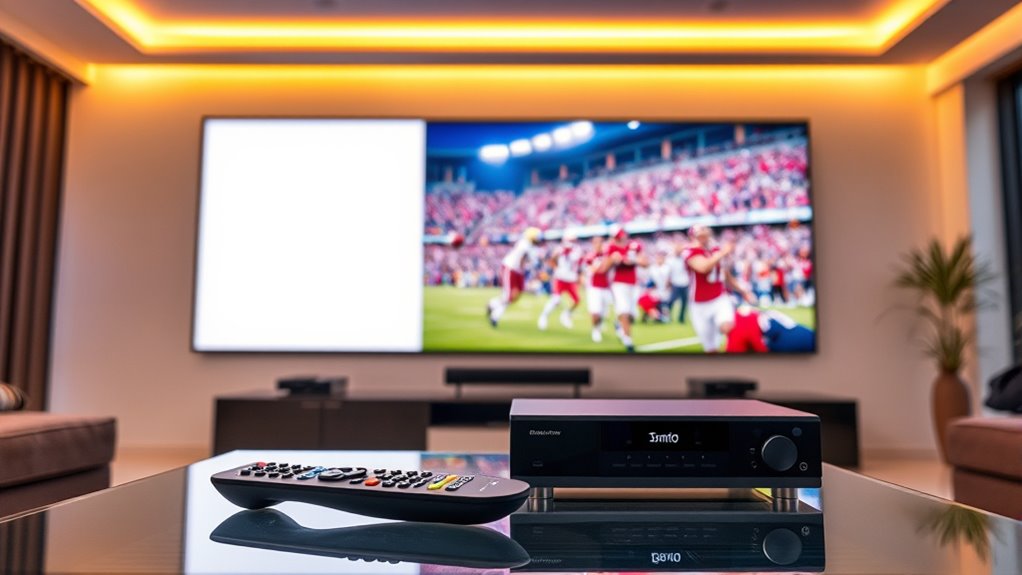
Ever wondered how to enjoy live TV on a big screen without a traditional TV set? The good news is, you can turn your projector into a live TV hub using various antenna options, streaming services, and some simple gear. First, you’ll need a way to receive local channels if you want free over-the-air broadcasts. Antenna options come in many forms—simple indoor antennas, amplified models, or outdoor antennas for better reception. Indoor antennas are easy to set up and don’t require much space, making them perfect for apartment dwellers or casual viewers. With just a few adjustments, these antennas can pick up local stations, giving you access to news, sports, and popular network shows without a monthly fee. The key here is positioning; placing your antenna near a window or higher up can markedly improve reception quality.
Turn your projector into a big-screen live TV hub with indoor antennas and streaming options.
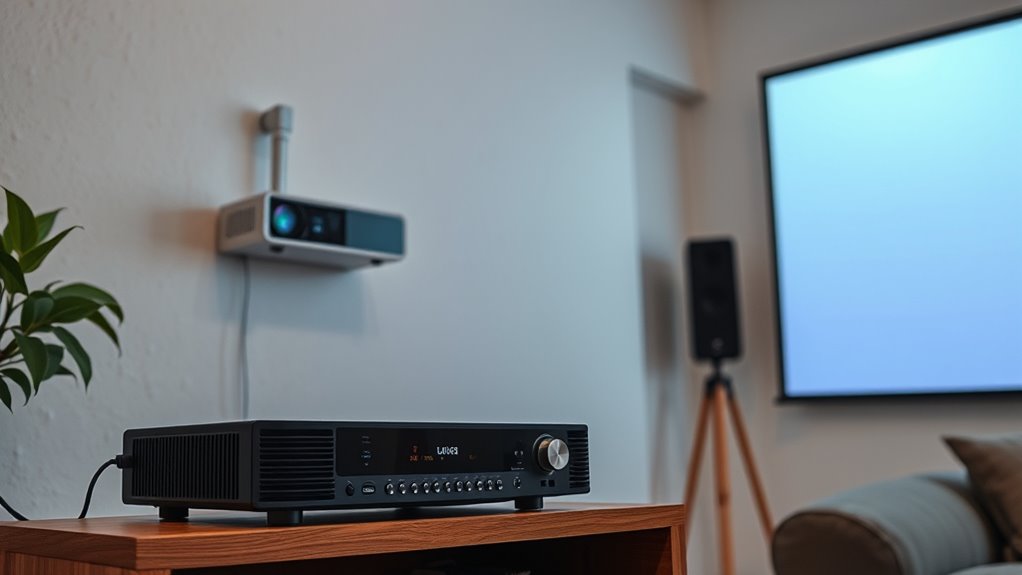
On the other hand, if you prefer a broader range of channels or more reliable signal quality, outdoor antennas might be worth considering. They often come with higher gain and better durability, especially in areas with challenging reception. Once you’ve chosen your antenna, connect it to a tuner device that supports over-the-air signals, which can be integrated into a cable box or standalone tuner. Many modern tuners are compatible with digital signals and can output the content directly to your projector via HDMI or other video inputs. This setup allows you to enjoy local live TV channels on a large screen with excellent picture quality.
Additionally, understanding how to select reliable power sources for your setup ensures continuous viewing even during outages. Alternatively, streaming services have revolutionized how you watch live TV. Many platforms now offer live channels, including major networks, sports, and news, all accessible through your internet connection. With a compatible streaming device—like a Roku, Fire TV, or Apple TV—you can install apps for services such as Hulu + Live TV, YouTube TV, Sling TV, or Philo. These services often come with free trials and packages tailored to different viewing preferences. Once set up, you simply log in, select your channel, and stream directly to your projector. This approach is incredibly flexible, as it eliminates the need for antennas or cable boxes, and you can watch on-demand or live content from anywhere with a strong internet connection.
Blending these options gives you a versatile setup where you can switch between over-the-air broadcasts with an antenna and streaming services for a more extensive channel lineup. Whether you prefer free local channels or a broader range of live content, your projector can serve as a large-screen TV, offering an immersive viewing experience. With the right accessories and setup, you’ll enjoy live TV on your projector just as effortlessly as you would with a traditional TV, but on a much bigger scale.
HDMI tuner for live TV on projector
As an affiliate, we earn on qualifying purchases.
As an affiliate, we earn on qualifying purchases.
Frequently Asked Questions
Can I Watch Live TV on a Portable Projector Outdoors?
Yes, you can watch live TV outdoors on a portable projector. Set up your outdoor space with a stable power source, and connect a tuner or cable box to your projector using the right cables. Use portable screen options like a foldable screen or a blank wall for a great viewing experience. Just guarantee you protect your equipment from weather elements and ambient light for the best picture quality.
What Are the Best Budget Options for Projector TV Tuners?
Like finding a hidden treasure, securing affordable tuners begins with smart choices. For budget options, consider devices like the Mediasonic HW130STB or eSynic TV tuner, which offer reliable performance without breaking the bank. These affordable tuners connect easily to your projector setup, letting you enjoy live TV seamlessly. Look for models with good reviews and compatibility to maximize value and guarantee a smooth viewing experience on your outdoor or indoor projector.
How Do I Connect a Cable Box to a Smart Projector?
To connect a cable box to your smart projector, start with a cable connection from the cable box’s HDMI output to the projector’s HDMI input. Make sure your projector supports HDMI compatibility. Once connected, switch the projector input to HDMI, and power on your cable box. You should see the live TV display on your projector. This simple setup provides a seamless viewing experience with clear audio and video.
Is There a Difference Between Digital and Analog Tuners?
Digital and analog tuners differ distinctly. Digital tuners decode digital signals, providing clearer, crisper channels, while analog tuners handle traditional signals, offering less sharp images. If your projector or cable box supports digital signals, you’ll want a digital tuner for modern compatibility. Analog tuners work with older, analog signals but may struggle with clarity. Always verify your device’s compatibility to guarantee seamless, sophisticated streaming and superb picture quality.
Can I Record Live TV While Using a Projector?
Yes, you can record live TV while using a projector, but it depends on your recording options and tuner compatibility. If your tuner or cable box has built-in recording features or connects to a DVR, you can record shows directly. Make sure your tuner supports digital signals if you’re using HD channels. Check your device’s recording options and verify compatibility with your cable provider for seamless recording during live TV viewing.
indoor TV antenna for projector setup
As an affiliate, we earn on qualifying purchases.
As an affiliate, we earn on qualifying purchases.
Conclusion
So, if you’re wondering whether you can truly replace your TV with a projector for live TV, the answer is yes—if you choose the right tuner or cable box. Many believe projectors can’t handle live broadcasts, but modern options prove otherwise. With the right equipment, you can enjoy seamless live TV viewing on a big screen. It’s not just a theory; it’s a practical reality waiting for you to explore.
streaming device for live TV on projector
As an affiliate, we earn on qualifying purchases.
As an affiliate, we earn on qualifying purchases.
outdoor TV antenna for better reception
As an affiliate, we earn on qualifying purchases.
As an affiliate, we earn on qualifying purchases.