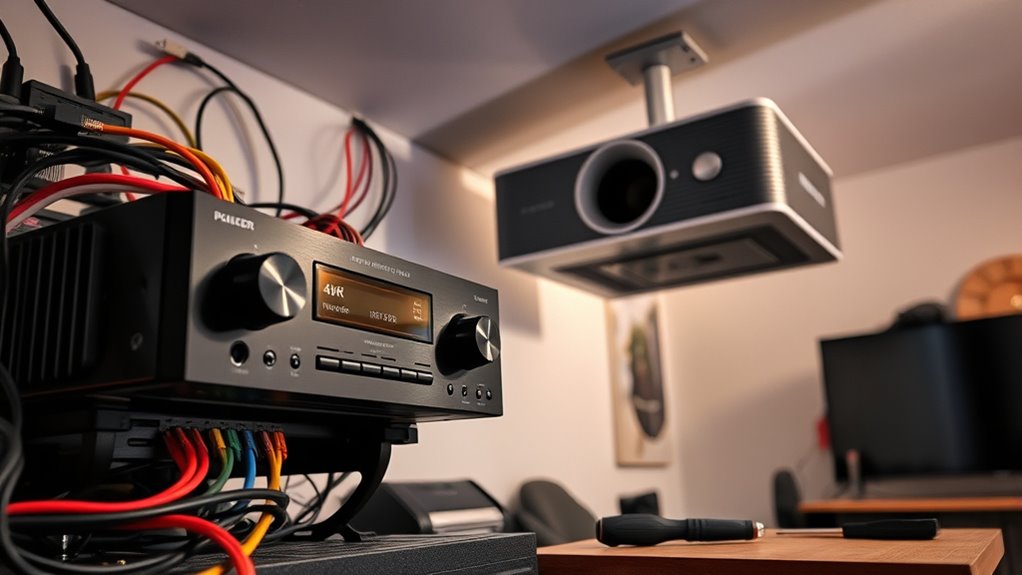

Upgrading your old AV receiver is key to enjoying 4K HDR content with your projector. You should focus on choosing a modern receiver that supports the latest formats, connects easily with your existing equipment, and offers better image and audio quality. Proper calibration and cable management are essential for optimal sound and clean setup. Keep in mind that a few simple steps now can greatly enhance your home theater experience—discover how to make the most of your upgrade by continuing on.
Key Takeaways
- Ensure the new AV receiver supports 4K HDR pass-through and HDCP 2.2 for compatibility with the projector.
- Re-calibrate speakers using automatic tools or manual adjustments for optimal audio performance.
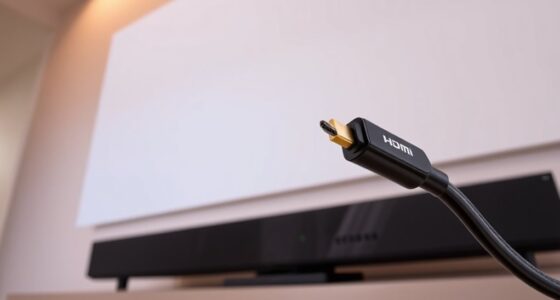
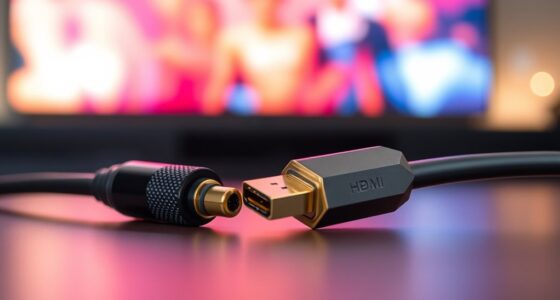
- Organize and replace outdated cables with high-quality HDMI and speaker wires to prevent signal issues.
- Update firmware on the new receiver to maximize features and maintain stability with 4K HDR content.
- Test all connections and settings thoroughly to achieve seamless video and audio performance with your projector.
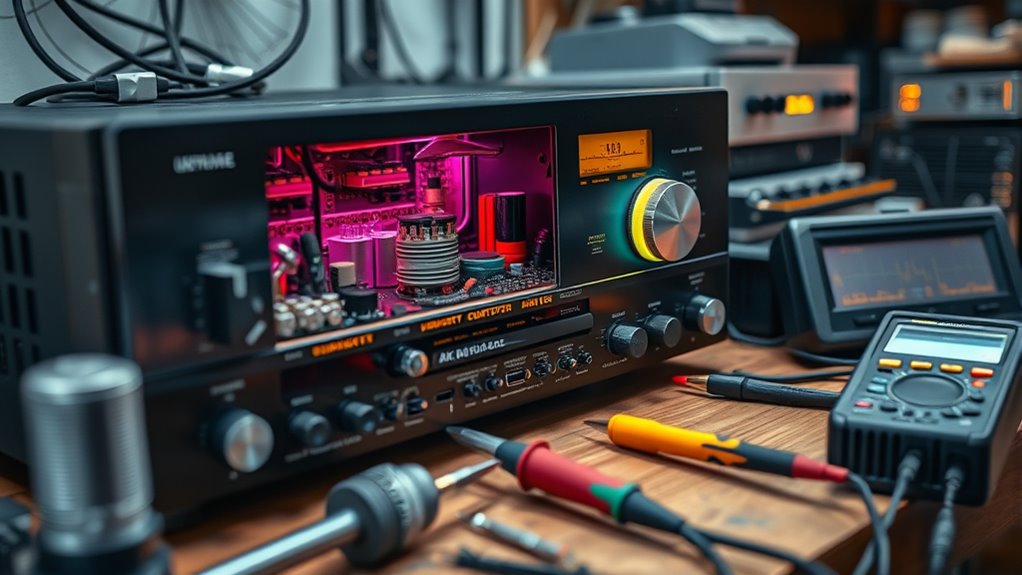
Upgrading an old AV receiver is essential if you want to enjoy the latest 4K HDR content with your projector. Modern receivers offer better image processing, improved audio quality, and support for the latest formats, making your home theater experience more immersive. Before diving into the upgrade, you need to focus on a couple of key tasks: speaker calibration and cable management. These steps ensure your system performs at its best, delivering crisp visuals and rich sound.
Speaker calibration is crucial when setting up a new receiver. Even if your speakers are high-quality, they won’t reach their full potential without proper calibration. Many modern receivers come with automatic calibration tools—just connect the microphone, run the setup, and let the receiver analyze your room’s acoustics. This process adjusts speaker levels, distances, and crossover points, ensuring balanced sound across your entire setup. If your receiver lacks automatic calibration, you’ll need to manually tweak these settings. Take your time to listen at different volumes and make adjustments to get a natural, even soundstage. Proper calibration minimizes audio distortions and ensures dialogue, effects, and music come through clearly, enhancing your overall viewing experience.
Proper calibration ensures balanced sound and clear dialogue for an immersive home theater experience.
Cable management might not seem like a top priority, but it’s vital for safety, aesthetics, and system performance. As you upgrade, replace old, tangled cables with high-quality HDMI, speaker wires, and power cords. Use cable ties, clips, or conduits to keep everything organized and out of sight. A clean setup not only looks better but also prevents accidental disconnections or interference. When connecting new components, verify that cables are securely plugged in and that signal paths are correct. Good cable management reduces clutter, making future upgrades or troubleshooting easier. It also helps prevent signal degradation, which can result in flickering images or audio dropouts, especially when transmitting 4K HDR content.
In addition, consider labeling your cables so you can quickly identify each connection later. This is especially useful if you plan to add or swap components down the line. Proper cable management also aids in airflow around your equipment, keeping it cool and prolonging its lifespan. When combined with thorough speaker calibration, a well-organized setup ensures your home theater functions smoothly and delivers the best possible picture and sound quality. Upgrading your AV receiver isn’t just about new features; it’s about creating an optimal environment for enjoying the full potential of your 4K HDR projector. Taking the time to calibrate your speakers and tidy up your cables will pay off with a more immersive, hassle-free home theater experience.

Sony STRDH590 5.2 Channel Surround Sound Home Theater Receiver: 4K HDR AV Receiver with Bluetooth,Black
Cinematic Sound at Home: Enjoy your favorite movies, TV shows and more with theater like sound in the…
As an affiliate, we earn on qualifying purchases.
As an affiliate, we earn on qualifying purchases.
Frequently Asked Questions
Can I Upgrade My Old AV Receiver Without Professional Help?
Yes, you can do a DIY upgrade to your old AV receiver, but be cautious about warranty concerns. Follow detailed guides and guarantee you have the right tools to avoid damaging your device. While upgrading is doable, if you’re unsure, professional help can prevent costly mistakes and ensure compatibility with 4K HDR features. Weigh the risks and benefits before proceeding on your own.
What Is the Cost Range for Upgrading to 4K HDR Support?
The cost for upgrading to 4K HDR support varies between $100 and $500, depending on your receiver’s compatibility and desired features. Conduct a cost analysis to compare options, considering budget considerations like potential new cables or accessories. If your current receiver can be upgraded with a firmware update or a simple HDMI board, expenses stay lower. For more advanced features, investing in a new receiver might be your best choice.
Will Upgrading Affect My Current Speaker Setup?
Upgrading your AV receiver typically won’t affect your current speaker setup if you keep the same connections. In fact, modern receivers often offer advanced speaker calibration features that enhance audio quality. Studies show calibrated systems improve sound clarity by up to 30%. Just verify your new receiver supports your existing speakers’ impedance and wattage. Proper calibration will maximize your setup’s performance without needing to replace or rewire your speakers.
How Long Does the Upgrade Process Typically Take?
The upgrade process typically takes about 30 minutes to an hour, depending on your AV receiver and the complexity of the firmware update and hardware installation. You’ll need to download the latest firmware, connect your device, and follow on-screen instructions. During this time, avoid turning off the receiver. Once completed, your system will support 4K HDR, ensuring a better viewing experience with your projector.
Are There Compatibility Issues With Specific Projector Brands?
Think of your projector brand compatibility like fitting puzzle pieces; some brands, like Epson or Sony, often sync smoothly, but others may face firmware update issues. I once upgraded my receiver and found certain projector brands required specific firmware versions to work seamlessly. Always check compatibility and firmware updates before upgrading, as some projectors may need extra steps or cause delays. This guarantees your upgrade runs smoothly without unexpected surprises.

Highwings 8K 10K 4K HDMI Cable 48Gbps 6.6FT/2M, Certified Ultra High Speed HDMI Cable Braided Cord-4K@120Hz 8K@60Hz, DTS:X, HDCP 2.2 & 2.3, HDR 10 Compatible with Roku TV/PS5/HDTV/Blu-ray
Top Technology—-8K@60HZ: This 8K Ultra High Speed HDMI Cable uses the most cutting-edge technology, is compatible with 8K@60HZ…
As an affiliate, we earn on qualifying purchases.
As an affiliate, we earn on qualifying purchases.
Conclusion
Upgrading your old AV receiver might feel like giving it a new lease on life, almost like resurrecting a vintage vinyl from the dusty shelves. With the right updates, you’ll enjoy stunning 4K HDR visuals and seamless audio, turning your home theater into a modern marvel. Remember, even in this digital age, sometimes a bit of old-school ingenuity and patience can create magic—proof that good things truly stand the test of time. Now, sit back and enjoy the show!

Audyssey Official ACM1HB Replacement Calibration Microphone for AVRs, Audyssey Measurement Microphone for Denon, Marantz, Onkyo, Integra, Teac & Tascam AV Receiver, Supports MultEQ, XT & XT32
GENUINE AUDYSSEY CALIBRATION MIC – Designed for Denon, Marantz, Onkyo, Integra, Teac & Tascam AVRs; this authentic replacement…
As an affiliate, we earn on qualifying purchases.
As an affiliate, we earn on qualifying purchases.
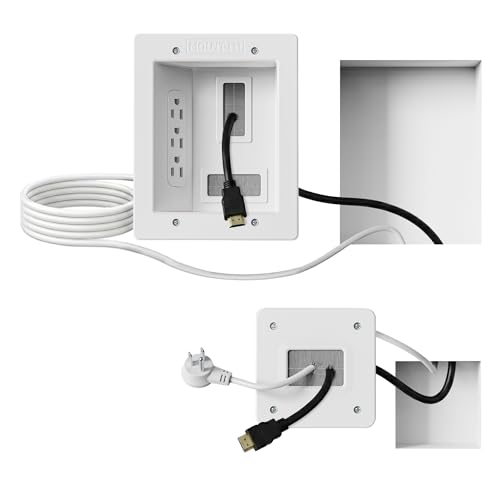
Mount-It! in-Wall TV Cable Management Kit with Recessed Power – Triple Outlet, 9ft Extension Cord and Hand Saw – Easy, Safe TV Outlet Wall Kit and TV Cable Hider Behind Wall
Organized home theater setup – Eliminate messy wires and give your entertainment area a clean, modern look. This…
As an affiliate, we earn on qualifying purchases.
As an affiliate, we earn on qualifying purchases.