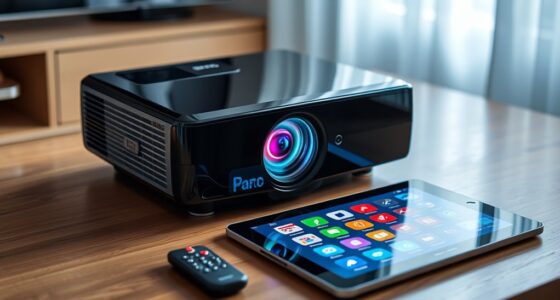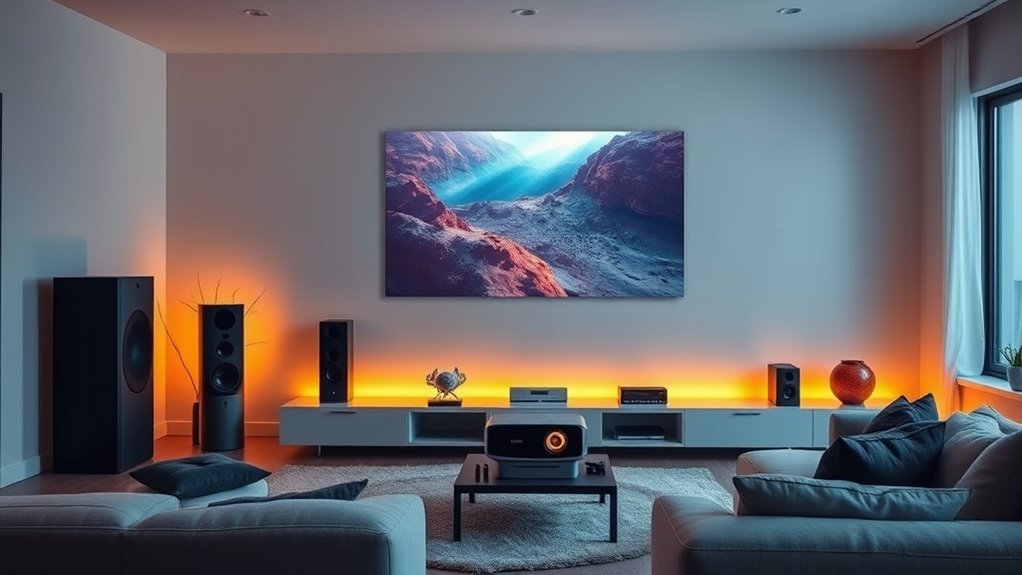
By integrating your projector with smart home scenes, you can easily create immersive Movie Mode setups that automatically adjust lighting, blinds, and device settings for the perfect viewing experience. Simply activate the scene, and your smart lights dim or change color, blinds close for darkness, and projector settings optimize for the best picture. This seamless coordination simplifies your entertainment, making it effortless to get the ideal atmosphere—if you continue, you’ll discover more ways to customize and enhance your setup.
Key Takeaways
- Integrate projectors with lighting control to create immersive “Movie Mode” scenes that adjust ambient light and screen settings seamlessly.
- Automate scene activation with one tap or voice command, coordinating projector, lights, and blinds for optimal viewing conditions.
- Customize environments for different content types, adjusting projector settings and ambient lighting to match the experience.
- Use scene presets to quickly switch between cinematic, sports, or family viewing atmospheres, enhancing comfort and immersion.
- Combining projectors with smart scenes simplifies setup, reduces manual adjustments, and elevates the home theater experience.
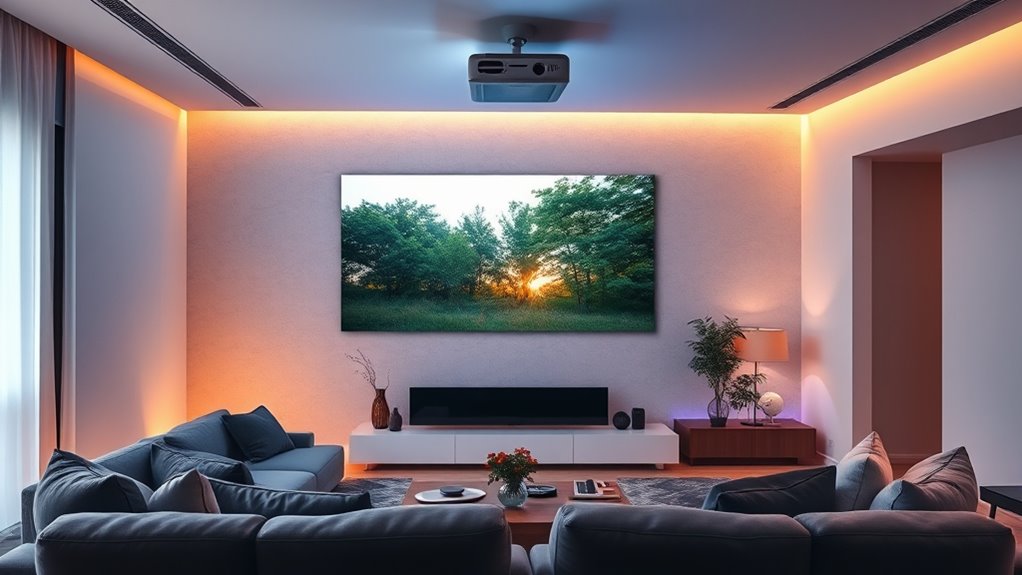
Integrating projectors into your smart home scenes can transform your living space into an immersive environment tailored to your mood or activity. When you set up your projector to work seamlessly with your smart home system, you open a new level of convenience and ambiance. One of the key aspects of this integration is lighting. By combining your projector with lighting control, you can create a cohesive atmosphere that enhances your viewing experience. For example, when you activate “Movie Mode,” your smart lighting can dim or change color automatically, reducing glare and immersing you in the scene. This lighting integration guarantees that every element—the visuals on the screen and the ambient light—works together harmoniously, making your movie nights feel cinematic.
Scene customization plays an essential role here, giving you the ability to tailor your environment specifically for watching movies. With a few taps or voice commands, you can customize scenes that adjust not only the projector’s display settings but also the ambient lighting, sound levels, and even window treatments if your smart home system supports it. Imagine pressing a button or saying, “Start Movie Mode,” and having everything switch to a perfect movie-watching environment. Your projector can be set to a specific aspect ratio, brightness, and contrast that suit your room size and lighting conditions, while your lights dim to a warm, low level and your smart blinds close slightly to block out external light.
Scene customization also allows you to save different configurations for different types of content. Want a bright, lively setup for sports or family videos? You can create a separate scene that adjusts the projector’s settings, ramps up the lights, and opens the blinds. For a cozy movie night, you might prefer a darker, softer lighting scheme with the projector set to a warmer color temperature. This flexibility means you don’t have to manually tweak each device every time you want a different experience—your smart home does it all for you with a simple command or tap.
Incorporating these features into your setup makes your entertainment space more intuitive and enjoyable. It’s about creating scenes that respond to your preferences automatically, so you can focus on relaxing and enjoying your content. When lighting integration and scene customization work together, your projector becomes more than just a device—it’s part of a holistic environment designed for ultimate comfort and immersion. Whether you’re watching a blockbuster or streaming your favorite series, your smart home scene setup guarantees that every viewing experience feels personalized, effortless, and perfectly tuned to your mood.
Additionally, understanding the importance of environmental considerations, such as minimizing impact on nature and protecting wildlife, can help ensure your smart home setup remains sustainable and eco-friendly.]
[ Built-in Official Licensed Google TV ] - Without additional equipment, the smart projector can directly access Netflix,... As an affiliate, we earn on qualifying purchases.
Official Licensed Google TV Smart Projector, HAPPRUN 4K UHD Home Theater with Dolby Sound, Wi-Fi & Bluetooth, Built-in Streaming Apps, Compatible with Games Consoles & Smartphone, Indoor & Outdoor Use
Frequently Asked Questions
Can Projectors Be Integrated With Voice-Controlled Smart Home Systems?
Yes, projectors can be integrated with voice-controlled smart home systems. You can enable voice command compatibility by connecting your projector to a compatible smart home hub, like Alexa or Google Assistant. This smart home integration allows you to control your projector with simple voice commands, such as turning it on or off, adjusting volume, or switching inputs. It’s a seamless way to enhance your entertainment setup and enjoy hands-free control.
What Are the Best Projector Types for Seamless Scene Integration?
A picture is worth a thousand words, so choose your projector wisely. For seamless scene integration, opt for laser projectors with advanced projection technology, offering bright, vivid images that adapt easily to smart home scenes. Consider models compatible with various screen materials like ambient light-rejecting screens, ensuring consistent quality. These projectors make controlling your environment effortless, turning your space into a cinematic haven with just a voice command.
How Do Ambient Light Conditions Affect Projector Performance in Smart Scenes?
Ambient lighting considerably impacts your projector’s performance in smart scenes. Bright ambient light can wash out images, making scenes less vivid, especially if your projector isn’t highly sensitive. To optimize, you should control ambient lighting or choose a projector with high sensitivity, which performs better in well-lit environments. Adjusting room lighting or using blackout curtains enhances contrast, ensuring your projector delivers the best visual experience during smart scenes.
Is There a Recommended Projector Size for Optimal Smart Home Scene Experiences?
For the best smart home scene experience, opt for a projector size that fits your room and viewing distance, typically between 100 to 120 inches diagonally. Proper projector placement guarantees the image aligns with your screen resolution for sharp visuals. Larger screens provide immersive scenes, but ensure your projector can handle the resolution and brightness needed for ambient light conditions, creating a seamless, cinematic atmosphere in your space.
Can Projector Setups Be Automated to Adapt to Different User Preferences?
Absolutely, your projector setup can be automated to match your every whim. Imagine a world where automation customization seamlessly adapts to your mood, preferences, or even your friends’ whims. You program it once, and it’s like having a personal butler who knows your favorite scene, adjusts brightness, and switches scenes effortlessly. With user preference integration, your home theater becomes a responsive, personalized experience—no manual fuss required.
![Projector-4K with WiFi and Bluetooth:[3000 ANSI/40W Dolby Audio/Official Licensed Apps], Outdoor-Projector with Smart OS 2.0 & AI Auto Focus,ONOAYO ONO5Pro 2.0 Smart Movie Projector for Indoor/Outdoor](https://m.media-amazon.com/images/I/411TCiwZ0EL._SL500_.jpg)
Projector-4K with WiFi and Bluetooth:[3000 ANSI/40W Dolby Audio/Official Licensed Apps], Outdoor-Projector with Smart OS 2.0 & AI Auto Focus,ONOAYO ONO5Pro 2.0 Smart Movie Projector for Indoor/Outdoor
[Hear the Difference–Hollywood-Grade Dual 40W Dolby Audio] Why spend $500 on a TV + soundbar or settle for...
As an affiliate, we earn on qualifying purchases.
Conclusion
Now that you’ve woven your projector seamlessly into your smart home scenes, you’ve unlocked a new level of living. Imagine your space transforming like a chameleon, shifting effortlessly from movie mode to cozy retreat. With a few simple taps, your environment becomes a living canvas, responding to your mood and moments. You’re not just watching a movie—you’re orchestrating an experience, turning your home into a masterpiece of comfort and innovation.

ViewSonic PX701-4K UHD 4K Projector with 3200 Lumens, 240Hz, 4.2ms, HDR, Auto Keystone, Dual HDMI for Home Theater
4K Home Theater Projector: UHD (3840x2160p) 4K resolution with a 1.5-1.6 throw ratio and 3,200 ANSI lumens perfect...
As an affiliate, we earn on qualifying purchases.

WALI Projector Mount Ceiling/Wall - Universal 3-in-1 Bracket with Extension Pole, Height Adjustable Holder for LCD/DLP Projectors, Supports up to 44lbs (PM-003-W), White
Compatibility: Universal Projector Mount Bracket for Both Ceiling and Wall Installation. Applicable to mounting holes distance between 8.9’’to...
As an affiliate, we earn on qualifying purchases.