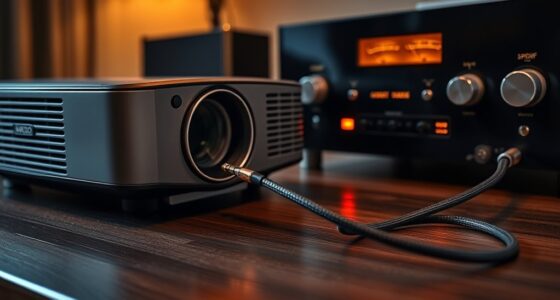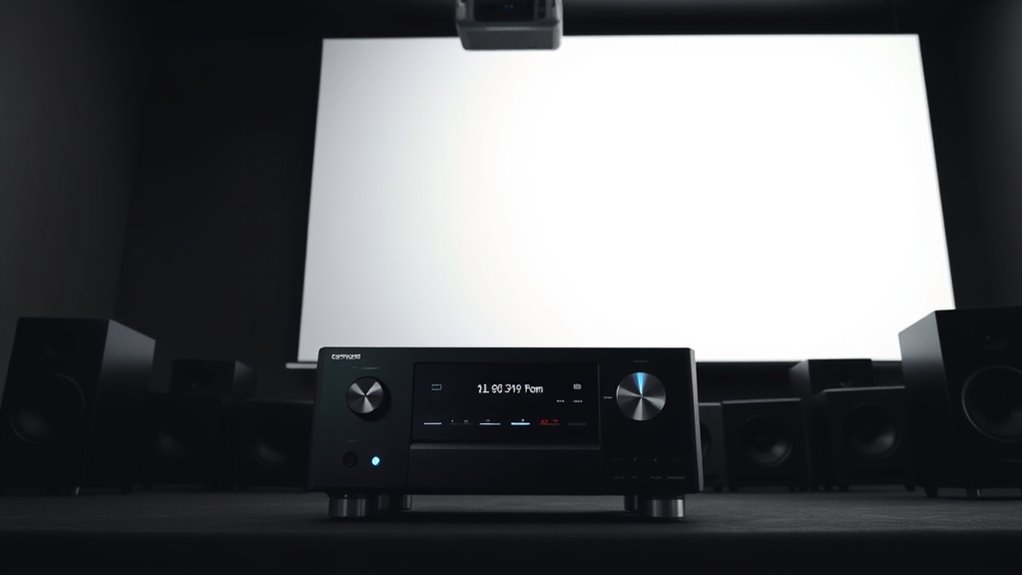
To integrate your projector into a home theater receiver setup, start by connecting the projector to the receiver’s HDMI output. Use your receiver’s auto-calibration features to optimize sound levels and room acoustics for the best audio experience. Position the projector according to your space’s floor plan for ideal image placement. With a unified remote system, you can control everything easily. Keep exploring to discover how to fine-tune your system for ultimate performance.
Key Takeaways
- Connect the projector to the receiver’s HDMI output for seamless audio and video transmission.
- Use the receiver’s calibration tool to optimize sound levels with the projector in place.
- Position the projector based on room floor plan guidance to ensure ideal image alignment and minimal shadows.
- Integrate the remote control system to easily switch between projector input and other devices.
- Ensure proper speaker placement and calibration to achieve balanced audio with the projector’s viewing setup.

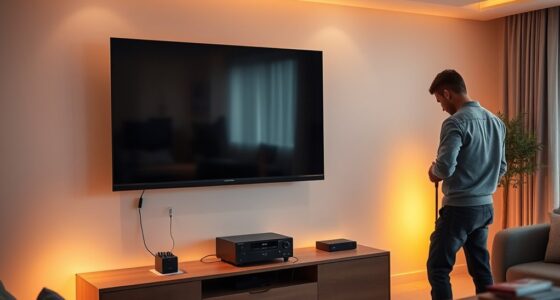
Setting up a projector with your home theater receiver can substantially enhance your viewing experience, but it requires careful integration. One of the most important steps is guaranteeing proper audio calibration. When you connect your projector to the receiver, the audio setup can sometimes produce mismatched sound levels or echoes that diminish overall quality. To avoid this, you’ll want to run the receiver’s calibration tools, which often include automated room equalization features. These tools analyze your space and adjust speaker levels, delays, and equalization to produce balanced, immersive sound. Proper audio calibration ensures that dialogue, music, and effects blend seamlessly, giving you a cinematic experience right in your living room. Additionally, understanding the floor plan of your space can help in positioning speakers and the projector for optimal performance.
Another vital aspect is remote control integration. Since your setup involves multiple components—the projector, receiver, and possibly a universal remote—you need a streamlined way to operate everything easily. Many modern home theater receivers support remote control integration via HDMI-CEC (Consumer Electronics Control), allowing you to control multiple devices with a single remote. Check if your projector and receiver are compatible with your remote or universal remote system before setup. Once integrated, you can switch inputs, adjust volume, or power on/off all devices with a single button press. This not only simplifies operation but also reduces clutter and confusion, especially during movie nights or gaming sessions.
Frequently Asked Questions
Can I Use Any Projector With My Home Theater Receiver?
You can’t use any projector with your home theater receiver. Look for one with sufficient brightness, ideally 2,000 lumens or more, to guarantee clear images in your room. Also, choose a projector that supports audio synchronization features, so sound and picture stay perfectly aligned. Compatibility with your receiver’s HDMI ports and audio output options is essential. Always check the projector’s specifications against your receiver’s capabilities before making a purchase.
What Are the Best Placement Options for the Projector?
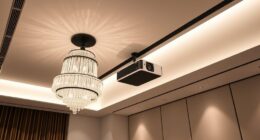
You should place your projector where the screen alignment is ideal, usually on a stable surface or ceiling mount, to guarantee a clear, centered image. Keep ambient lighting in mind—avoid bright lights that wash out the picture by using dimmers or blackout curtains. Position the projector at the correct distance for your screen size, and angle it properly to prevent keystone distortion, ensuring a sharp, professional-looking setup.
How Do I Calibrate Audio and Video Settings?
To calibrate your audio and video settings, start by adjusting the audio calibration to balance sound levels and clarify dialogue. Then, proceed with video adjustment, tweaking brightness, contrast, and color for ideal picture quality. Use calibration tools or built-in settings to fine-tune each aspect, ensuring an immersive experience. Regularly revisit these adjustments to maintain perfect calibration as your equipment or viewing environment evolves.
Are There Wireless Connection Options for Projectors?
Yes, there are wireless connection options for projectors. You can use wireless streaming devices like Chromecast or Miracast, which are compatible with many projectors. Check your projector’s compatibility to verify it supports these features, and connect them easily without cables. This setup allows you to stream content directly from your devices, making your home theater setup more flexible and clutter-free.
What Safety Precautions Should I Consider During Setup?
While setting up your projector, prioritize safety by managing cables neatly to prevent tripping hazards and guarantee proper cable management. Always unplug power before making connections, avoiding electrical shocks. Keep cables away from heat sources and water to prevent damage or accidents. Check that the power supply matches the projector’s requirements, and avoid overloading outlets. These precautions keep your setup safe, functional, and free from avoidable hazards.
Conclusion
Integrating a projector into your home theater receiver setup transforms your viewing experience, making it feel like a true cinema. With over 70% of home theater enthusiasts opting for projectors, it’s clear they’re becoming the go-to choice for immersive entertainment. By carefully connecting your devices and calibrating your system, you’ll enjoy crisp images and seamless sound. Take the time to set it up right—your perfect movie night is just a few steps away.