To set up Dolby Atmos with a projector, first verify your AV receiver and speakers support Atmos, and connect compatible upward-firing or ceiling speakers accordingly. Position the speakers for maximum sound reflection, and use high-quality HDMI cables to connect everything securely. Calibrate your system with the receiver’s tools, adjusting levels and delays for the best immersion. To get the full experience, follow detailed steps that guide you through each essential stage.
Key Takeaways
- Ensure your projector supports Dolby Atmos and has compatible HDMI ARC or eARC ports for audio connection.
- Use a Dolby Atmos-enabled AV receiver and appropriate upward-firing or ceiling speakers for immersive sound.
- Connect your AV receiver to the projector via HDMI, ensuring support for Dolby Atmos signals.
- Position speakers according to room layout, keeping them at ear level and reflecting sound into the listening area.
- Calibrate the system using AV receiver tools and test with Dolby Atmos content to optimize sound placement and clarity.

Denon AVR-X1700H 7.2 Channel AV Receiver – 80W/Channel, Advanced 8K HDMI Video w/eARC, Dolby Atmos, DTS:X, Built-in HEOS, Amazon Alexa Voice Control
HIGH-PERFORMANCE 7-CHANNEL AMPLIFIER WITH NEXT-GEN MOVIE IMMERSION – Enjoy Denon sound in movies, games, and music with full…
As an affiliate, we earn on qualifying purchases.
As an affiliate, we earn on qualifying purchases.
Understanding Dolby Atmos and Projector Compatibility
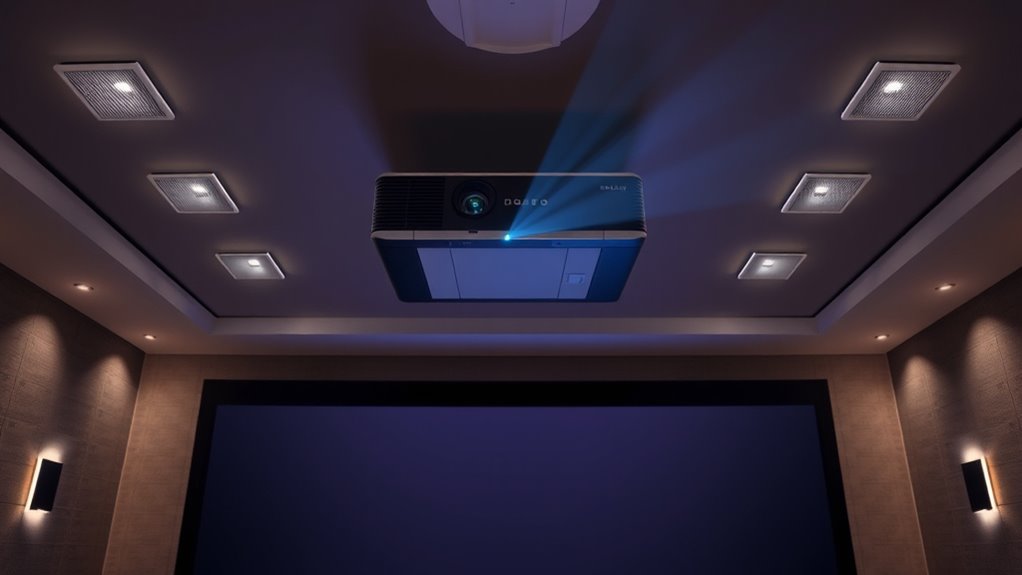
To enjoy Dolby Atmos sound with your projector, you need to verify that both your projector and audio system are compatible with this immersive technology. Start by checking if your audio system supports Dolby Atmos and the necessary audio formats, such as Dolby TrueHD or Dolby Digital Plus. Proper speaker calibration is essential; it ensures that sound is accurately placed and moves seamlessly around your space. Your projector alone isn’t enough—paired with a compatible AV receiver and Atmos-enabled speakers, it creates the full experience. Confirm that your audio formats are supported by your equipment, and set up speaker calibration to optimize sound placement. Additionally, advances in AI Entertainment are driving innovations in audio technology, enhancing the realism and immersion of Dolby Atmos systems. This compatibility guarantees you’ll get the most out of Dolby Atmos, delivering immersive, multidimensional audio that elevates your viewing experience.

Polk Monitor XT90 Hi-Res Height Speaker Pair for 3D Sound Effect – Dolby Atmos-Certified, DTS:X and DTS Virtual:X Compatible, Surround Sound Speakers, 4" Dynamically Balanced Woofer, Midnight Black
HEIGHT SPEAKER PAIR FOR 3D AUDIO – Add an immersive height elevation to movies, music & games with…
As an affiliate, we earn on qualifying purchases.
As an affiliate, we earn on qualifying purchases.
Gathering the Necessary Equipment
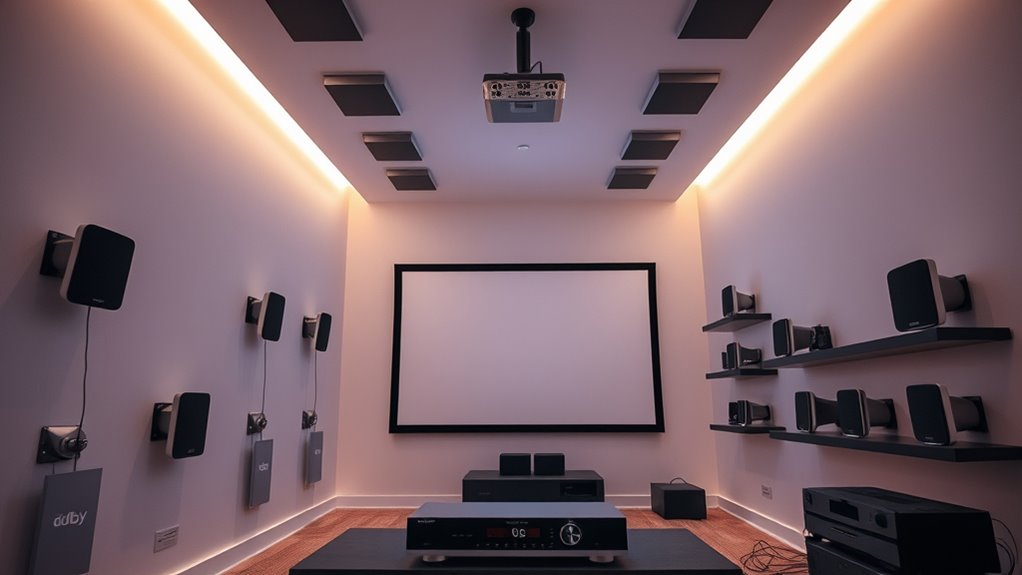
Before you can set up Dolby Atmos with your projector, you need to gather all the essential equipment. Proper speaker placement and guaranteeing equipment compatibility are vital for a seamless experience. First, you’ll need a compatible Dolby Atmos-enabled AV receiver that supports your speaker setup. Second, select speakers designed for Atmos, including upward-firing or ceiling speakers. Third, verify your projector can handle the necessary connections and supports a high-quality audio output. Fourth, gather all cables, including HDMI and speaker wires, to connect everything securely. Confirm that your speakers’ placement aligns with your room layout for maximum sound distribution. Guaranteeing equipment compatibility from the start prevents issues later, helping you achieve immersive Atmos sound with your projector setup. Additionally, considering the role of contrast ratio can improve your overall image quality, creating a more engaging cinematic experience.

【Official Licensed Google TV】4K Smart Projector with WiFi and Bluetooth, VOPLLS Outdoor Projectors with Dolby/Auto Focus, Portable Movie Phone Wireless Gaming Wifi Proyector for Bedroom/Home/Celling
【Google TV Entertainment Hub: Your All-in-One Streaming Center】 Enjoy instant access to vast streaming content with zero setup—the…
As an affiliate, we earn on qualifying purchases.
As an affiliate, we earn on qualifying purchases.
Positioning Your Speakers for Optimal Sound
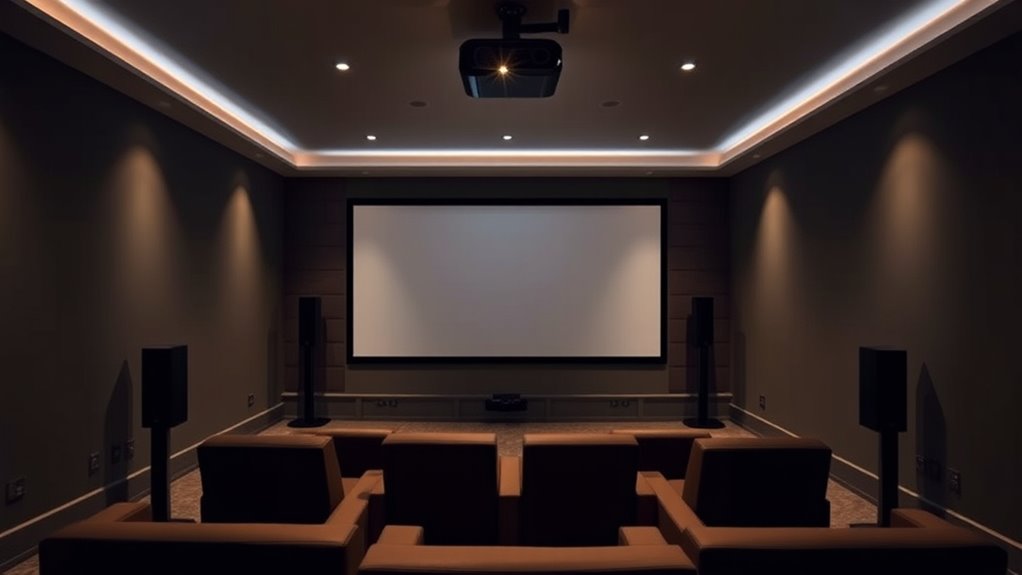
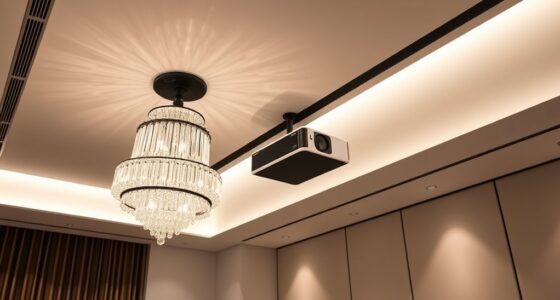
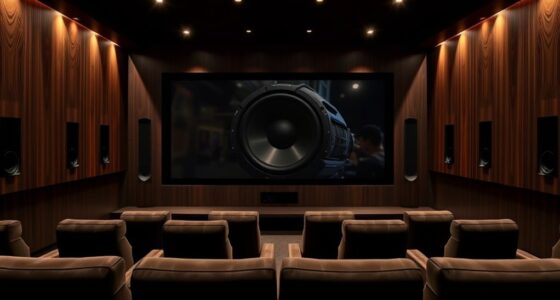
Proper speaker placement is crucial to achieving immersive Dolby Atmos sound with your projector setup. To optimize speaker placement, position your upward-firing or ceiling speakers so they reflect sound accurately into the listening area. Keep speakers at ear level whenever possible, and avoid placing them too close to walls or corners, which can distort room acoustics. Use symmetrical placement to ensure balanced sound throughout the room. Consider the room’s acoustics—soft furnishings, curtains, and carpets help absorb excess sound, reducing echoes and enhancing clarity. For best results, angle speakers slightly downward or upward depending on their type, ensuring sound reaches the listener directly. Proper positioning maximizes the impact of Dolby Atmos, creating a more immersive experience.

Silkland 8K HDMI ARC/eARC Cable 2.1 for Soundbar 6.6ft, 8K@60Hz 4K@120Hz High Speed HDMI Cord for Home Theater, 48Gbps, Dolby Atoms, DTS:X Compatible for Vizio Samsung Bose Sound bar, UHD TV, Blu-ray
【Support ARC/eARC on Audio】it is a standard HDMI 2.1 version cable,which are equipped with eARC technology. (Compatible with…
As an affiliate, we earn on qualifying purchases.
As an affiliate, we earn on qualifying purchases.
Connecting Your Audio Components to the Projector
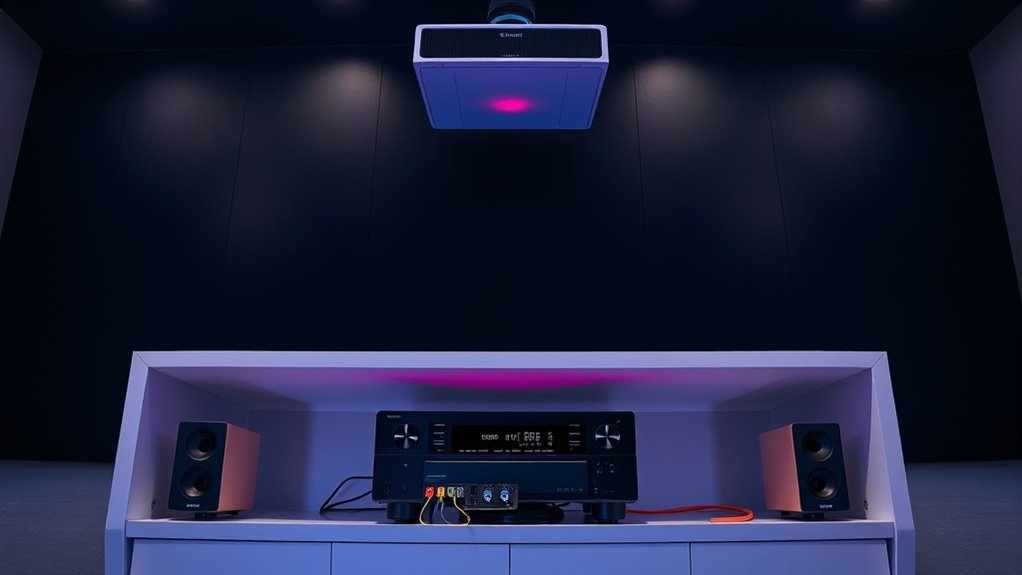
Once you’ve positioned your speakers for ideal sound, the next step is connecting your audio components to the projector. Proper connections guarantee clear audio and effective Dolby Atmos playback. Focus on these key points:
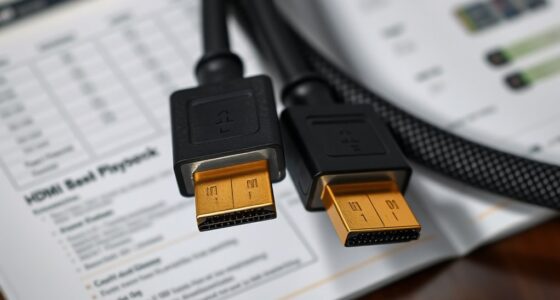
- Use high-quality HDMI cables to connect your AV receiver or soundbar to the projector, supporting Dolby Atmos signals.
- Connect your speakers based on your speaker placement plan, ensuring each is wired correctly.
- Verify all connections are tight and secure to prevent audio dropouts.
- Perform audio calibration through your AV receiver to balance speaker levels and optimize sound for your space.
- Make sure your audio equipment is compatible with Dolby Atmos technology to ensure the best possible sound experience.
These steps help ensure your audio components work seamlessly with your projector, delivering immersive sound that maximizes your Dolby Atmos experience.
Configuring Your Home Theater System Settings
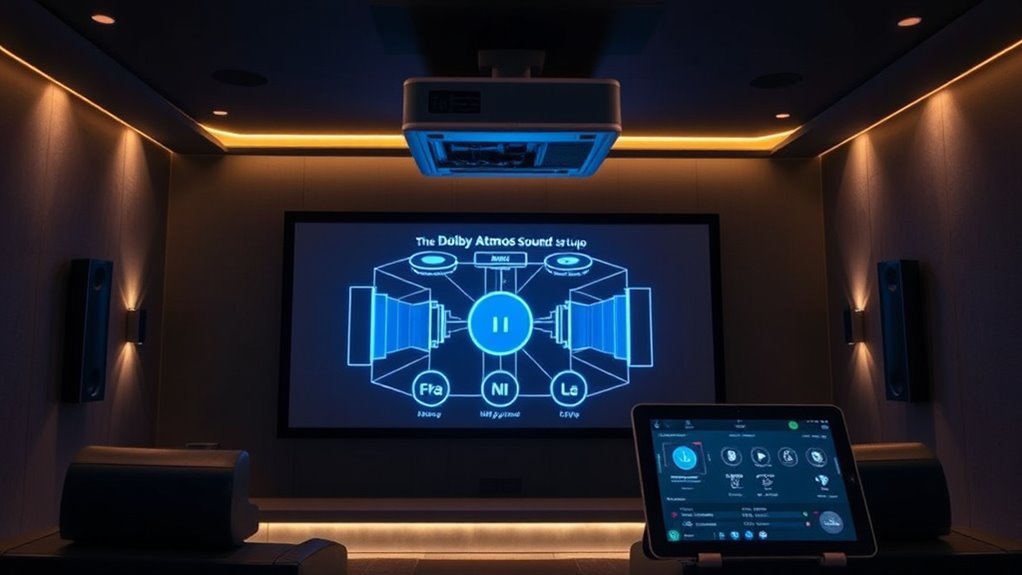
To get the most out of your Dolby Atmos setup, you need to carefully configure your home theater system settings. Start with speaker calibration to ensure each speaker’s volume and delay are balanced correctly, creating a seamless soundstage. Use your receiver’s calibration microphone and auto-calibration features to simplify this process. Pay attention to room acoustics, as they considerably impact sound quality. Soft furnishings, curtains, and furniture can absorb or reflect sound, so consider acoustic treatments or adjustments to optimize clarity. Adjust the speaker placement and settings based on calibration results, aiming for immersive, evenly distributed sound. Properly configuring these settings ensures your Dolby Atmos experience is rich and precise, maximizing the potential of your projector-based home theater. Incorporating sound calibration techniques can further enhance your system’s performance and ensure an optimal listening environment.
Testing and Fine-Tuning Your Dolby Atmos Setup
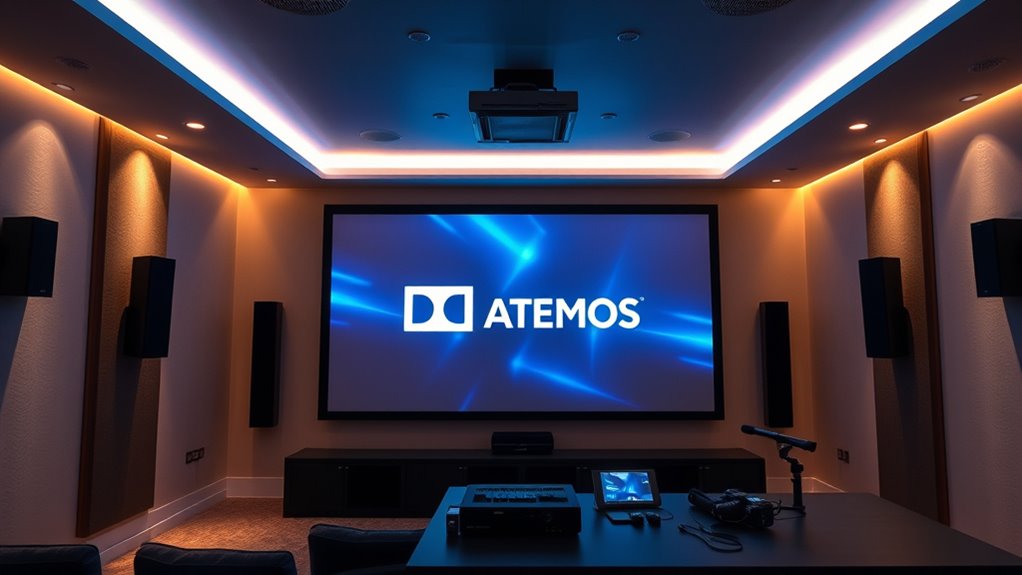
After completing your initial calibration, it’s vital to test your Dolby Atmos system to verify everything sounds as intended. Proper speaker calibration ensures each speaker produces accurate sound placement, while acoustic treatments help control reflections for clearer audio. To fine-tune your setup:
After calibration, testing your Dolby Atmos system ensures accurate sound placement and clearer audio through proper calibration and acoustic treatments.
- Play a Dolby Atmos test scene to check for proper sound placement.
- Adjust speaker levels and distances for balanced audio.
- Use calibration tools or software to identify discrepancies.
- Implement acoustic treatments like diffusers or bass traps to improve sound clarity.
Additionally, exploring massage chair comparisons by body size, roller type, and features can help optimize your overall entertainment and relaxation space. These steps help guarantee your system delivers immersive, precise sound. Don’t overlook the importance of speaker calibration and acoustic treatments—they’re key to achieving superior Dolby Atmos performance. Fine-tuning your setup creates a seamless, theater-quality experience right in your home.
Tips for Maintaining and Upgrading Your System
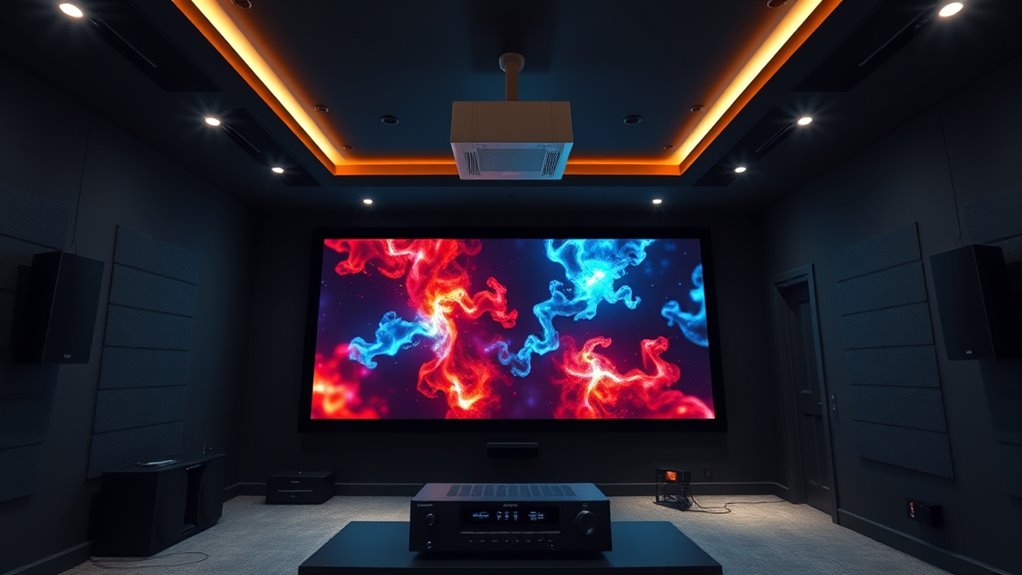
Maintaining and upgrading your Dolby Atmos system is essential to keep it performing at its best over time. Regular speaker calibration ensures that sound levels and angles remain accurate, preserving immersive audio quality. Check your calibration periodically and adjust speaker positions if needed. Enhancing ambient soundproofing minimizes external noise, allowing you to enjoy clearer dialogue and richer effects. Upgrades, like adding new speakers or replacing outdated components, can boost performance and expand your system’s capabilities. Keep cables organized and secure to prevent connectivity issues. Staying current with firmware updates for your projector and audio equipment also guarantees optimal operation. Additionally, being aware of potential AI vulnerabilities in your system’s software can help you safeguard your setup against emerging security threats. Consistent maintenance and thoughtful upgrades help you enjoy a consistently immersive Atmos experience, maximizing your home theater investment.
Frequently Asked Questions
Can I Upgrade My Existing Sound System to Support Dolby Atmos?
Yes, you can upgrade your existing sound system to support Dolby Atmos, but you’ll need a sound system upgrade that includes Atmos-compatible speakers or a receiver. Check your current equipment compatibility first; some systems can be upgraded with additional modules or speakers, while others may require a complete replacement. Make sure your new equipment supports Dolby Atmos to enjoy immersive sound, and consider consulting a professional to guarantee proper setup.
What Are the Best Brands for Dolby Atmos-Compatible Speakers and Projectors?
Imagine a theater where sound surrounds you, and you feel immersed in every scene. Top brands like Sonos, Bose, and Klipsch deliver Dolby Atmos-compatible speakers, ensuring seamless brand compatibility and ideal speaker placement for immersive audio. For projectors, look into Epson, Sony, and JVC—they offer models designed to work effortlessly with Atmos setups. Choose quality brands that prioritize clarity, depth, and precise speaker placement for the best experience.
Is a Dedicated Room Necessary for Optimal Dolby Atmos Sound Experience?
A dedicated room isn’t strictly necessary for a great Dolby Atmos experience, but a suitable room size and proper acoustic treatment do help. Smaller spaces can work if you optimize placement and add sound-absorbing materials to minimize echoes. Larger rooms benefit from dedicated setups with strategic speaker placement and acoustic panels, creating an immersive sound environment. Focus on controlling sound reflections and ensuring your speakers are correctly positioned for the best Atmos effect.
How Does Room Acoustics Affect Dolby Atmos Performance?
Ever wonder how your room’s acoustics impact Dolby Atmos? They play a huge role. Good sound absorption minimizes echo, making the immersive sound more precise. Proper speaker placement ensures sound flows correctly around you, enhancing that 3D effect. If your room’s too reflective or poorly arranged, Atmos won’t shine. So, optimize sound absorption and carefully position your speakers to truly experience the magic of Dolby Atmos.
Are Wireless Dolby Atmos Speaker Options Effective for Home Theaters?
Wireless Dolby Atmos speakers can be effective for home theaters if you guarantee reliable wireless connectivity and proper speaker placement. With good wireless signals, you avoid clutter and simplify setup, creating a clean look. Place the speakers slightly above eye level or behind your seating area for ideal sound distribution. Keep in mind that high-quality wireless options tend to deliver better performance, so choose speakers known for stable connections and clear audio.
Conclusion
Setting up Dolby Atmos with your projector may seem complex at first, but with patience and attention to detail, you’ll create an immersive experience. Remember, Rome wasn’t built in a day—take your time to fine-tune each element. As the saying goes, “The journey of a thousand miles begins with a single step.” Stay dedicated, keep experimenting, and soon you’ll enjoy stunning sound that transforms your home theater into a true cinematic escape.