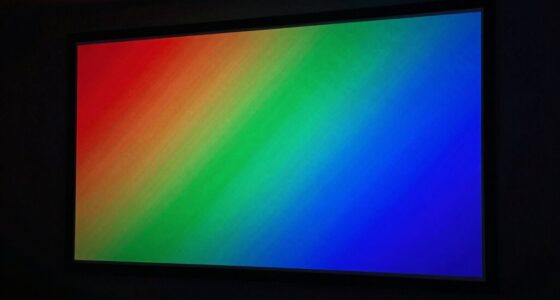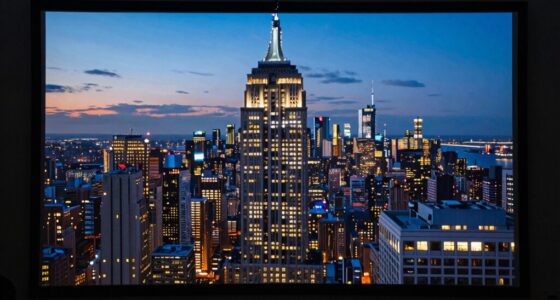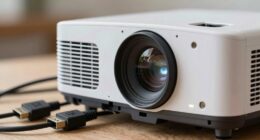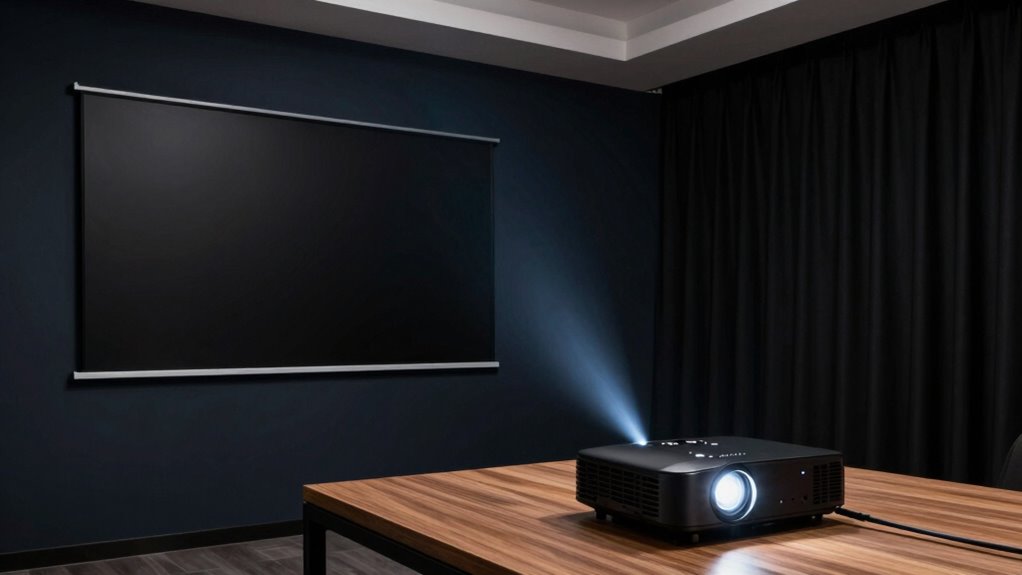
To improve perceived contrast in your projector room, start by reducing ambient light with blackout curtains or blinds and turn off any interior lights that shine on the screen. Choose a high-quality matte or contrast-enhancing screen material, and adjust your projector’s contrast and black level settings for maximum depth. Regularly clean and calibrate your projector to keep performance at its best. For more detailed tips, you’ll discover how customizing your setup can make a real difference.
Key Takeaways
- Reduce ambient light by using blackout curtains and dimming or turning off interior lighting.
- Choose a high-contrast, anti-reflective projector screen material suited for your environment.
- Calibrate projector settings, especially contrast and black levels, regularly for optimal image depth.
- Ensure proper projector placement at recommended throw distance and maintain clean equipment.
- Create a controlled viewing space with minimal external light sources for maximum contrast perception.
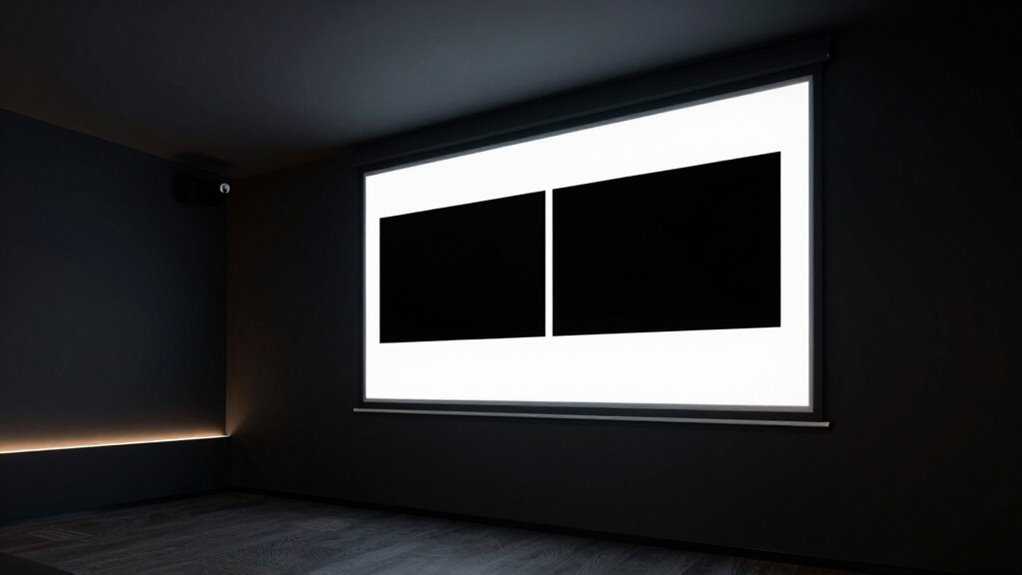
Have you ever struggled to see details on your projector screen? If so, you’re not alone. Many people find that ambient lighting can wash out the image, making it difficult to perceive contrast clearly. To improve your viewing experience, you need to take into account both the environment and the equipment you’re using. One of the most effective ways to do this is by managing ambient lighting. Bright lights or sunlight streaming into the room will reduce the contrast of your projected image, so controlling light sources is essential. Use blackout curtains or blinds to block out external light, and turn off or dim any interior lights that might spill onto the screen. If you can’t eliminate all ambient lighting, opt for indirect lighting options that don’t shine directly onto the screen, so they don’t interfere with the image.
Controlling ambient light enhances contrast, making your projector images sharper and more vibrant.
Another key factor is your screen material. Not all screens are created equal when it comes to contrast. A high-quality screen material designed for contrast enhancement will reflect light more effectively and improve the depth of blacks and whites. Matte screens are common, but some specialized materials have anti-reflective coatings or gain properties that boost contrast even further. Think about upgrading to a screen that is tailored for your projector’s brightness and your room’s lighting conditions. This investment can make a noticeable difference, especially in environments with some unavoidable ambient light. Additionally, selecting the right screen material can maximize the effectiveness of your contrast adjustments.
Adjusting your projector’s settings can also help, but these tweaks work best when combined with proper room setup. Set your projector’s contrast and black level controls to their ideal positions, ensuring that dark scenes appear deep and vibrant without losing detail. Keep the projector clean, and regularly calibrate it to match your screen and lighting conditions. When possible, position your projector at the recommended throw distance and angle, which can enhance image sharpness and contrast perception. Additionally, choosing a projector with a higher contrast ratio can significantly improve the perceived depth and clarity of your images. Maintaining the projector’s lumens output and understanding its brightness capabilities are also important in environments with ambient light. Proper calibration and maintenance of your projector can further enhance its performance over time.
Ultimately, improving perceived contrast isn’t just about the projector itself—it’s about creating an environment that supports it. Minimize ambient light, select the right screen material, and fine-tune your projector settings. Creating an optimal viewing environment ensures that your images are sharp, vibrant, and full of detail. Incorporating these environmental considerations can lead to a more consistent and enjoyable viewing experience. Together, these steps help you see a sharper, more vibrant image where details stand out clearly, making your viewing experience more immersive and enjoyable.
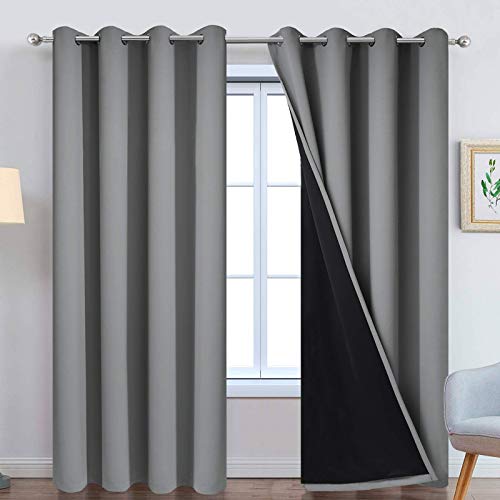
Yakamok Grey 100% Blackout Curtain Panels 84 inches, 52" Wide, 2 Panels
- Package Includes: 2 panels, each 52" wide x 84" long
- Easy to Hang: Silvery grommets fit many rods
- Complete Blackout: Blocks 100% sunlight and UV rays
As an affiliate, we earn on qualifying purchases.
As an affiliate, we earn on qualifying purchases.
Frequently Asked Questions
Can Room Size Affect Perceived Contrast?
Yes, room size affects perceived contrast. A larger room can make contrast appear lower because of increased ambient light and distance from the screen. You should optimize your room layout and seating arrangement to minimize light spill and reflections, helping viewers focus on the projected image. Keeping viewers closer to the screen and controlling ambient light enhances perceived contrast, making the image look sharper and more vibrant.
Does Projector Brightness Influence Contrast Perception?
Yes, projector brightness influences contrast perception considerably. When brightness is too high, it can wash out details, reducing contrast. To improve perceived contrast, you should adjust display settings to optimize brightness and contrast levels. Additionally, proper color calibration helps guarantee that colors are accurate and vibrant, enhancing overall contrast perception. Keep ambient lighting low and select a suitable projector brightness setting for your room to achieve the best visual experience.
How Does Ambient Light Impact Contrast Quality?
Imagine your projector’s image as a vibrant painting, but ambient light seeps in like fog, dulling those vivid colors. Ambient light directly causes contrast degradation, washing out darks and reducing overall depth. When too much light enters, it’s like trying to see fine details in a foggy landscape—your contrast suffers, making images look flat and less immersive. Controlling ambient light is key to maintaining sharp, striking visuals.
Are There Specific Screen Materials That Enhance Contrast?
Yes, certain screen materials and coatings can enhance contrast by managing material reflectivity effectively. Look for screens with high-contrast coatings designed to absorb ambient light and increase color depth. Matte finishes reduce glare, while specialized materials with low reflectivity improve contrast perception. Choosing screens with these features helps your projector’s image stand out more vividly, especially in rooms with some ambient light, creating a sharper, more immersive viewing experience.
Can Room Color Change Perceived Contrast Levels?
Did you know that room color can influence perceived contrast by up to 20%? Yes, changing your room’s color impacts visual focus and perception through color psychology. Darker hues like deep blue or black boost contrast, making images appear sharper and more vibrant. Light colors can wash out details, reducing contrast. To optimize your viewing experience, choose room colors that enhance visual focus and heighten perceived contrast effectively.

Mdbebbron 120 inch Projector Screen 16:9 Foldable Anti-Crease Portable Projector Movies Screens for Home Theater Outdoor Indoor Support Double Sided Projection
- Portable and Foldable Design: Lightweight, compact, easy to carry and store
- Versatile Usage: Suitable for home, office, outdoor, and events
- Anti-Crease and High-Quality Material: Made of durable polyester for clear, bright projection
As an affiliate, we earn on qualifying purchases.
As an affiliate, we earn on qualifying purchases.
Conclusion
To truly elevate your projector room, focus on controlling ambient light, using high-contrast screens, and adjusting your projector settings. These simple tweaks can transform your viewing experience from dull to dazzling—almost like turning a dim room into the brightest stage imaginable. Don’t settle for mediocre visuals; with a little effort, you’ll gain access to a cinema-quality display that’s so stunning, it’ll blow your mind every time. Get ready for a viewing experience that’s nothing short of spectacular!
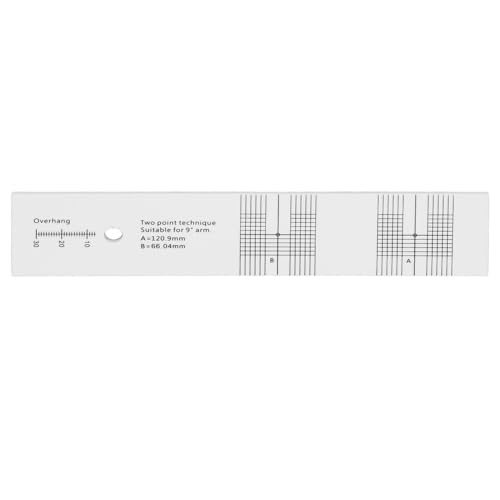
MOPFOL Turntable Calibration Tool Ruler Durable Alignment Protractor Easy Use Cartridge Calibrator for LP Phono Measurement Audio Calibration
- Premium Material: Made of durable acrylic
- High Accuracy: Provides precise cartridge calibration
- Ideal Fit: Compatible with 1/2 inch cartridges
As an affiliate, we earn on qualifying purchases.
As an affiliate, we earn on qualifying purchases.

Projector Screen DIY Elastic Polyester Material 59×105 inch for Max 130 inch 16:9 Projection Screen Economical Black Backing 4K Ultra HD Front Projection Textile Fabric
- Size and Compatibility: Fits up to 130-inch DIY screens
- Material: Elastic polyester textile for easy setup
- Color and Contrast: Light silver gray for enhanced contrast
As an affiliate, we earn on qualifying purchases.
As an affiliate, we earn on qualifying purchases.