
To guarantee your projector runs efficiently, you must understand its heat output based on wattage and airflow needs. Proper ventilation involves calculating the right vent size and placement of intake and exhaust points, making certain unobstructed airflow from cool air in to hot air out. Regularly monitoring temperature and adjusting fans or vents helps prevent overheating. Mastering these calculations is vital for peak performance, and exploring further details can help you fine-tune your setup for long-lasting use.

Get business pricing on your home office setup
- Business-only prices and quantity discounts
- Tax-exempt purchasing
- Multiple users, one account, clear invoices
Key Takeaways
- Estimate projector heat output based on wattage to determine necessary ventilation capacity.
- Calculate airflow requirements by converting heat emissions into volume of air needed for effective cooling.
- Position intake and exhaust vents strategically to promote optimal airflow from cool to hot areas.
- Match vent size and fan capacity to remove heat efficiently, preventing hotspots and overheating.
- Regularly monitor temperature and airflow, adjusting ventilation setup to maintain safe operating conditions.
As an affiliate, we earn on qualifying purchases.
Understanding the Heat Generation of Projectors
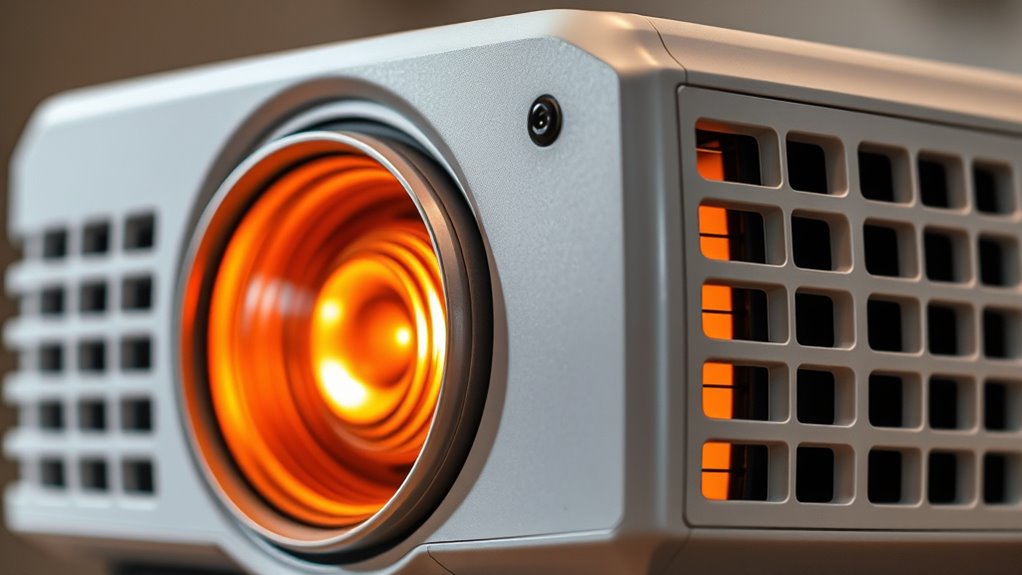
Projectors generate heat mainly because their lamps and electronic components convert electrical energy into light and sound, releasing excess energy as heat. This heat impacts the projector’s lamp life, as higher temperatures accelerate lamp degradation. When ambient temperature rises, the internal components also work harder to stay cool, which can further decrease lamp longevity. Proper heat management guarantees your projector operates efficiently and extends its lifespan. Overheating can cause performance issues and reduce the lamp’s useful life, leading to more frequent replacements. Keeping the environment cool helps maintain ideal conditions for heat dissipation. Additionally, understanding thermal management is crucial for optimizing your projector’s performance and longevity. By understanding how heat is generated and influenced by ambient temperature, you can better manage your projector’s cooling needs and maximize its durability.
As an affiliate, we earn on qualifying purchases.
Calculating Ventilation Requirements for Effective Cooling

To guarantee your projector stays cool and operates efficiently, calculating the right ventilation requirements is essential. Start by estimating the heat output based on the projector’s wattage and heat generation data. This helps determine the airflow needed for effective cooling. Focus on airflow optimization by selecting a vent design that promotes steady, unobstructed airflow. Proper vent design ensures heat is expelled efficiently without creating hotspots. Consider the space’s size and ventilation path to avoid recirculating warm air. Use these calculations to choose fans or vents that match the required airflow volume. Additionally, assessing the building materials and insulation can impact heat retention and dissipation within the space. By fine-tuning vent design and airflow, you prevent overheating, extend your projector’s lifespan, and maintain peak performance. Precise calculations are your foundation for an effective, reliable cooling system.
As an affiliate, we earn on qualifying purchases.
Determining Optimal Airflow and Vent Placement
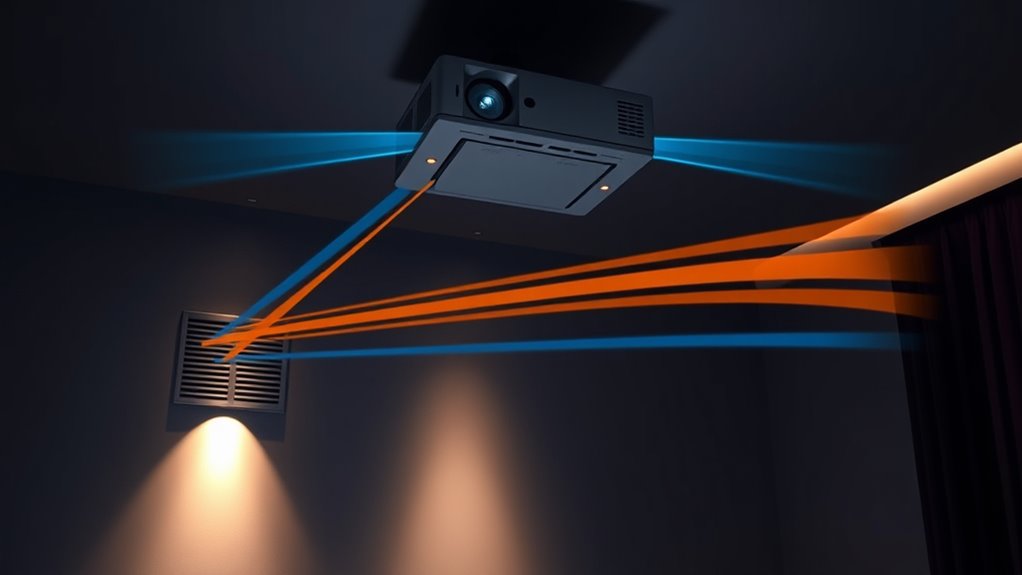
Making certain that essential airflow and proper vent placement is vital for maintaining your projector’s cooling efficiency. To achieve this, you need to analyze airflow patterns within the enclosure or room to identify how air moves naturally. Position vents strategically to promote smooth airflow, with intake vents placed where cool air can enter unobstructed and exhaust vents where hot air naturally rises or accumulates. Avoid placing vents near heat sources or in dead zones where airflow stagnates. Proper vent placement ensures continuous circulation, preventing hotspots and overheating. You should also consider the direction of airflow, ensuring it flows from cool intake to warm exhaust, maximizing heat removal. This careful planning maintains optimal operating temperatures and extends your projector’s lifespan.
As an affiliate, we earn on qualifying purchases.
Estimating Heat Dissipation Capacity of Ventilation Systems
Estimating the heat dissipation capacity of your ventilation system is essential for maintaining safe operating temperatures. To do this effectively, you need to analyze airflow patterns within the space. Understand how air moves around the projector and its vents to identify potential hotspots or areas of stagnation. Vent sizing plays a critical role here; selecting vents that match the heat output ensures efficient heat removal. Measure the projector’s heat emission, usually in watts, and convert this to required airflow using appropriate calculations. Proper vent sizing ensures that enough air volume is circulated to carry away heat without causing turbulence or noise. Additionally, incorporating Hyundai Tuning principles can help optimize your setup for better performance and durability. By accurately estimating these parameters, you create a ventilation system that reliably manages projector heat, prolongs equipment life, and maintains optimal operating conditions.
Monitoring and Adjusting for Real-World Operating Conditions
Monitoring your projector’s operating conditions in real time is crucial because actual heat output and airflow patterns can differ from initial estimates. Regular maintenance routines help you identify overheating issues early and guarantee the ventilation system functions efficiently. Keep an eye on temperature readings and airflow patterns, adjusting fans or vents as needed to prevent hotspots. This not only safeguards your equipment but also promotes noise reduction, making for a more comfortable viewing environment. If you notice increased noise levels or unusual heat buildup, take immediate action—clean filters, check for obstructions, and fine-tune ventilation settings. Continuous monitoring allows you to adapt to changing conditions, ensuring reliable operation while maintaining a quieter, cooler projector environment.
Frequently Asked Questions
How Often Should I Clean or Replace Projector Filters for Optimal Cooling?
You should clean your projector filters every 1 to 3 months, depending on usage and environment, to maintain essential cooling. Follow the filter maintenance guidelines in your user manual, which typically recommend a replacement schedule every 6 to 12 months. Regular cleaning prevents dust buildup, improves airflow, and extends your projector’s lifespan. Don’t ignore filter maintenance, as it’s vital for keeping your projector running efficiently and avoiding overheating.
What Are the Signs of Inadequate Ventilation Affecting Projector Performance?
You’ll notice projector overheating when it suddenly shuts down or displays error messages. If airflow restriction occurs, the projector may become unusually hot, resulting in flickering images or reduced brightness. Noisy fans can also signal inadequate ventilation. Pay attention to these signs, as they indicate airflow restriction, which can compromise performance. Address ventilation issues promptly to prevent damage and guarantee your projector runs smoothly and efficiently.
Can External Environmental Factors Impact the Cooling Efficiency of My Projector?
Yes, external environmental factors can impact your projector’s cooling efficiency. External airflow is vital; blocked or limited airflow reduces heat dissipation, causing overheating. Environmental humidity also plays a role—high humidity can hinder heat escape and promote internal condensation, damaging components. To guarantee peak performance, keep vents clear, monitor humidity levels, and position your projector where external airflow isn’t obstructed, maintaining proper ventilation and preventing overheating.
Are There Specific Materials Recommended for Constructing Ventilation Enclosures?
Imagine building a fortress around your projector’s ventilation enclosure, shielding it from dust and heat. Use materials like metal or high-quality plastics for durability, or fire-resistant composites for safety. Construction best practices include ensuring proper airflow, sealing gaps, and using filters. These choices protect your equipment, maintain ideal cooling, and prolong projector life, making your setup both efficient and resilient against external influences.
How Do Ambient Temperature Fluctuations Influence Fan Speed and Airflow Requirements?
Ambient temperature fluctuations directly impact your fan speed and airflow needs. When temperatures rise, you should increase fan speed to maintain ideal cooling, preventing overheating. Conversely, cooler ambient temperatures allow for reduced airflow, saving energy and noise. By monitoring ambient temperature, you can make precise airflow adjustments, ensuring your projector stays within safe operating limits while maximizing performance and efficiency.
Conclusion
By mastering these heat and ventilation basics, you’ll stay ahead of the game and keep your projectors running smoothly. Don’t forget, a well-planned cooling system is the backbone of reliable performance—skip it, and you’re asking for trouble. Think of it as nipping problems in the bud before they grow. With careful calculations and monitoring, you’ll guarantee your projectors operate at their best, even when the heat is on.
Columbus Day / Indigenous Peoples' Day Picks
long weekend sales
As an affiliate, we earn on qualifying purchases.