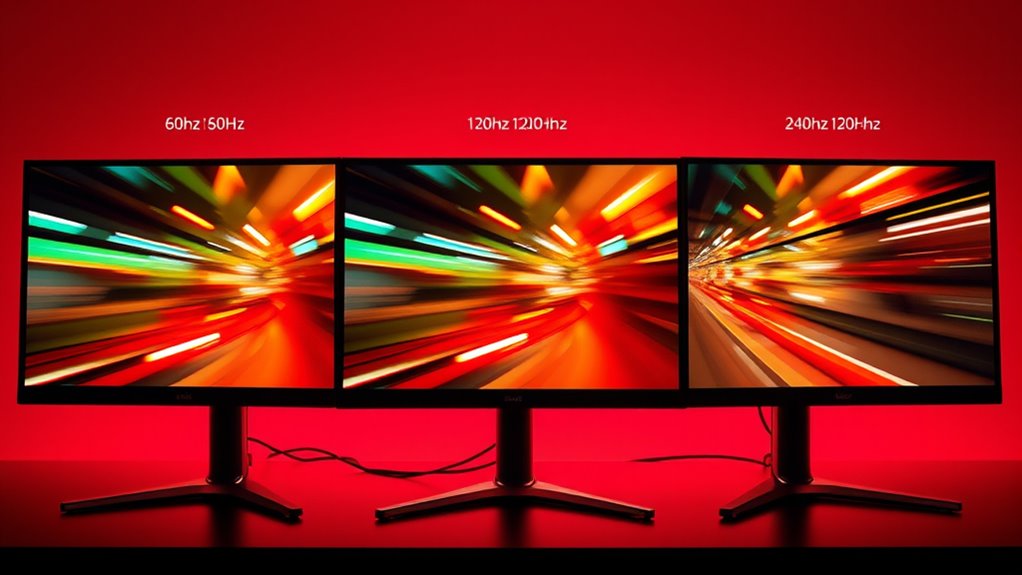

If you’re choosing between 60Hz, 120Hz, and 240Hz, higher refresh rates give smoother motion and quicker response times, especially beneficial for gaming and fast-paced content. 60Hz is standard for most uses, while 120Hz and 240Hz enhance gameplay and reduce motion blur, but require compatible hardware. Keep in mind that motion smoothing and input lag can vary. To find out which option fits your needs best and how to optimize your setup, explore further.
Key Takeaways
- Higher refresh rates like 120Hz and 240Hz provide smoother motion and better responsiveness for fast-paced gaming.
- 60Hz is sufficient for casual viewing, but higher rates improve clarity during quick movements.
- Motion smoothing can cause unnatural effects and increase input lag, often disabled in gaming setups.
- Compatibility with hardware is crucial; higher refresh rates demand capable monitors and graphics cards.
- For everyday content and movies, 60Hz is adequate; higher rates mainly benefit gamers and interactive applications.
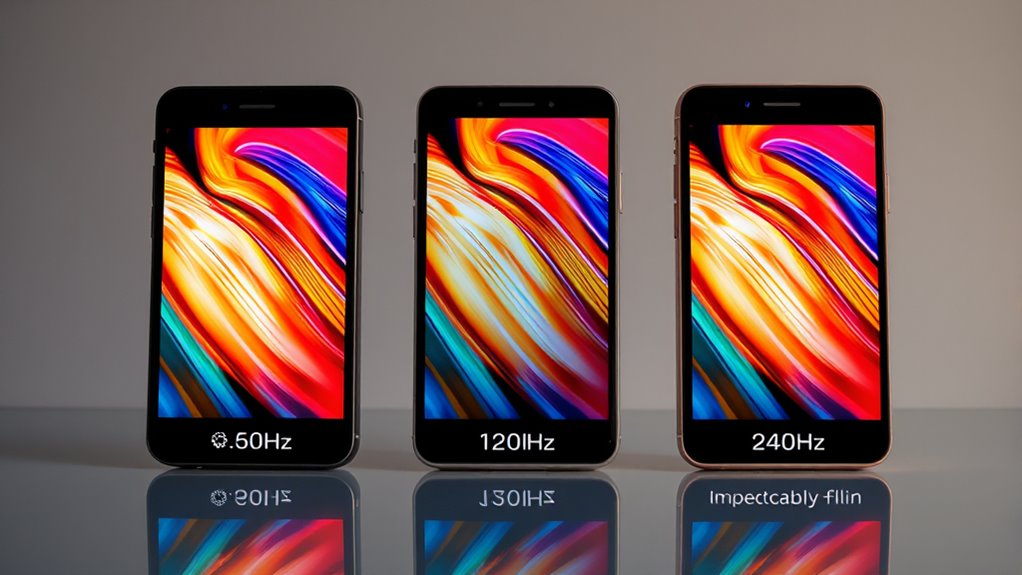
When choosing a display, understanding refresh rates is essential because they directly impact how smooth and responsive your viewing experience feels. The refresh rate, measured in hertz (Hz), indicates how many times per second your screen updates with new images. A higher refresh rate means the display can show more frames per second, resulting in smoother motion and less blur during fast-paced scenes. But it’s not just about fluidity; it also affects how responsive your device feels, especially in gaming or interactive applications.
One common concern at higher refresh rates is motion smoothing. Motion smoothing is a feature used to reduce motion blur and make fast movements look clearer. It works by inserting additional frames between the original ones, which can make fast motion appear smoother. However, in certain contexts like gaming, motion smoothing can create a “soap opera effect,” making content look unnatural. Some users find this distracting, and many gamers prefer to turn it off to preserve the authentic look of their gameplay. It’s essential to understand that motion smoothing can sometimes introduce input lag, the delay between your actions and what appears on the screen. This lag can be detrimental in fast-paced games where timing and precision are crucial. When motion smoothing is enabled, it might seem like the display is reacting slower than it should, because the added frames and processing introduce a slight delay. If you’re into competitive gaming or require quick, accurate responses, you’ll want to disable motion smoothing and stick with a refresh rate that balances smooth motion with minimal input lag. Additionally, higher refresh rates like 120Hz or 240Hz are particularly popular among gamers because they offer a more seamless experience during rapid movements, making gameplay feel more fluid. However, not all games or content benefit equally from higher refresh rates. Fast-paced shooters and racing games, for example, really shine with 120Hz or higher, whereas casual viewing of movies or TV shows, typically shot at 24 or 30 frames per second, won’t see much improvement. Furthermore, achieving the full benefits of high refresh rates requires compatible hardware, such as a monitor that supports those rates and a graphics card capable of delivering the necessary frame output. Keep in mind that pushing to higher rates can sometimes increase input lag if the display or system isn’t optimized, so it’s indispensable to find a balance based on your specific use case. Understanding display technology and how it interacts with refresh rates can help you make better choices for your viewing needs.
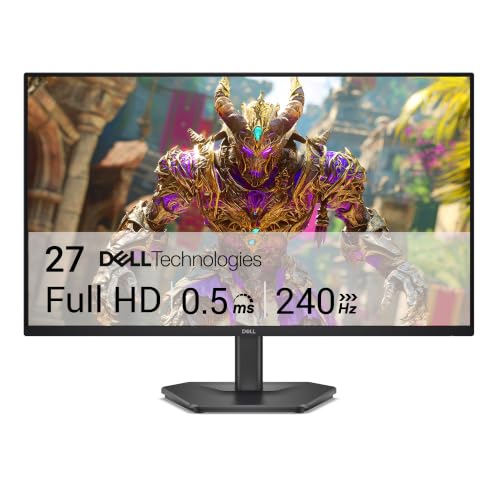
Dell 27 240Hz Gaming Monitor – SE2726HG – 27-inch FHD (1920×1080) 240Hz Display, in-Plane Switching (IPS) Technology, AMD FreeSync Premium, TÜV 3-Star, 2X HDMI, DisplayPort 1.4, Tilt
- High Refresh Rate: 240Hz for smooth motion
- Fast Response Time: 0.5ms for crisp visuals
- Adaptive Sync Technology: AMD FreeSync Premium for tear-free gaming
As an affiliate, we earn on qualifying purchases.
As an affiliate, we earn on qualifying purchases.
Frequently Asked Questions
Do Higher Refresh Rates Improve Gaming Performance Universally?
Higher refresh rates can improve your gaming performance, but not universally. They reduce motion blur, making fast-paced action clearer, and lower input lag, giving you a quicker response. However, if your hardware can’t keep up or the game isn’t optimized, you might not see much benefit. So, upgrading to a higher refresh rate monitor helps most games, especially competitive ones, but it’s not a magic fix for all gaming experiences.
How Do Refresh Rates Affect Eye Strain Over Long Periods?
Did you know that higher refresh rates can reduce eye fatigue by up to 30% during long sessions? When you use a monitor with a higher refresh rate, your eyes experience less flickering, which enhances visual comfort over extended periods. This means you’ll feel less strain and discomfort, making it easier to focus and enjoy longer gaming or work sessions without tiring your eyes.
Can a Monitor’s Refresh Rate Be Upgraded After Purchase?
Yes, you can upgrade your monitor’s refresh rate after purchase, but it depends on your hardware compatibility. Some monitors and graphics cards support higher refresh rates through firmware updates or settings adjustments, while others may require new hardware. Keep in mind, upgrading might involve additional cost considerations for compatible components. Always check your monitor specifications and GPU capabilities to guarantee a smooth upgrade.
Are Higher Refresh Rates Beneficial for Non-Gaming Tasks?
Cutting through the refresh rate myths, higher refresh rates can indeed benefit your non-gaming tasks, especially for professional usage like video editing or graphic design where smooth motion matters. You might not notice a huge difference, but it can reduce eye strain and make your workflow more fluid. Don’t let anyone tell you it’s unnecessary; sometimes, a higher refresh rate is just what you need to get the job done right.
What Are the Trade-Offs Between Refresh Rate and Resolution?
Higher refresh rates can enhance smoothness, but they often come with trade-offs like reduced resolution or increased power consumption. You might notice better motion clarity, but your display could sacrifice color accuracy, especially at lower resolutions. Additionally, a higher refresh rate consumes more power, which can impact battery life on portable devices. Balancing refresh rate with resolution ensures you get smooth visuals without compromising image quality or draining your device quickly.

Sceptre New 22-Inch Gaming Monitor, FHD 1080p, Up to 144Hz, HDMI, DisplayPort, Built-in Speakers, Machine Black (E225W-FW144 Series, 2026)
- Built-in Speakers: Rich, seamless audio for work and gaming
- Blue-Light Shift Technology: Reduces blue light for eye comfort
- Minimal Bezel Design: Provides an unobstructed, wide view
As an affiliate, we earn on qualifying purchases.
As an affiliate, we earn on qualifying purchases.
Conclusion
Ultimately, choosing the right refresh rate is like finding the perfect rhythm for your experience. While higher rates can bring smoother visuals, they’re not always the secret to perfection. Sometimes, settling for a slightly lower rate can still keep things flowing nicely without overcomplicating your setup. Remember, it’s about what feels natural to you—sometimes, a gentle pace can be just as satisfying as the fastest sprint. Trust your instincts, and enjoy the ride.

SANSUI 32 Inch Curved 240Hz Gaming Monitor High Refresh Rate, FHD 1080P
- Screen Size and Curvature: 32 Inch 1500R curved display
- Refresh Rate: 240Hz high refresh rate
- Resolution: Full HD 1080P resolution
As an affiliate, we earn on qualifying purchases.
As an affiliate, we earn on qualifying purchases.

ASUS TUF Gaming 27” 4K HDR Monitor (VG27UQ1A) – 160Hz, 1ms, Extreme Low Motion Blur Sync, NVIDIA G-SYNC Compatible, AMD FreeSync Premium, 95% DCI-P3, DisplayWidget, 3 yr Warranty
- Display Size: 27-inch 4K resolution
- Refresh Rate: 160Hz for smooth gameplay
- Response Time: 1ms for quick reactions
As an affiliate, we earn on qualifying purchases.
As an affiliate, we earn on qualifying purchases.